Why People With ADHD Love Bionic Reading (And How to Try It Free on iPhone & Android in 2026)

Maya Lin
Learning & Comprehension Specialist
People with ADHD are flocking to bionic reading apps because the bolded text creates visual anchors that reduce distraction, improve focus, and make tracking lines easier. FastRead is a completely free bionic reading app for ADHD that works on iPhone, Android, and web, converting any ebook, PDF, or document into ADHD-friendly format with 11 professional reading tools. Download it from the App Store or Google Play, or try it instantly at fastread.app.
What's in this article
- What makes bionic reading perfect for ADHD brains
- Why ADHD users are switching to bionic reading apps in 2026
- How to try bionic reading free on iPhone and Android
- Real ADHD users share their bionic reading results
- FastRead vs other ADHD reading apps
- Who is FastRead's bionic reading for?
- The science behind why bionic reading works for ADHD
- How to get started with bionic reading today
- Why 2026 is the year of ADHD-friendly reading tools
- Frequently asked questions
What Makes Bionic Reading Perfect for ADHD Brains?
If you have ADHD, you know the frustration: you're three paragraphs into a textbook when you realize your eyes have been moving but your brain checked out two sentences ago. You re-read the same line five times. Words blur together. Your mind wanders to that thing you said in 2019 that still keeps you up at night.
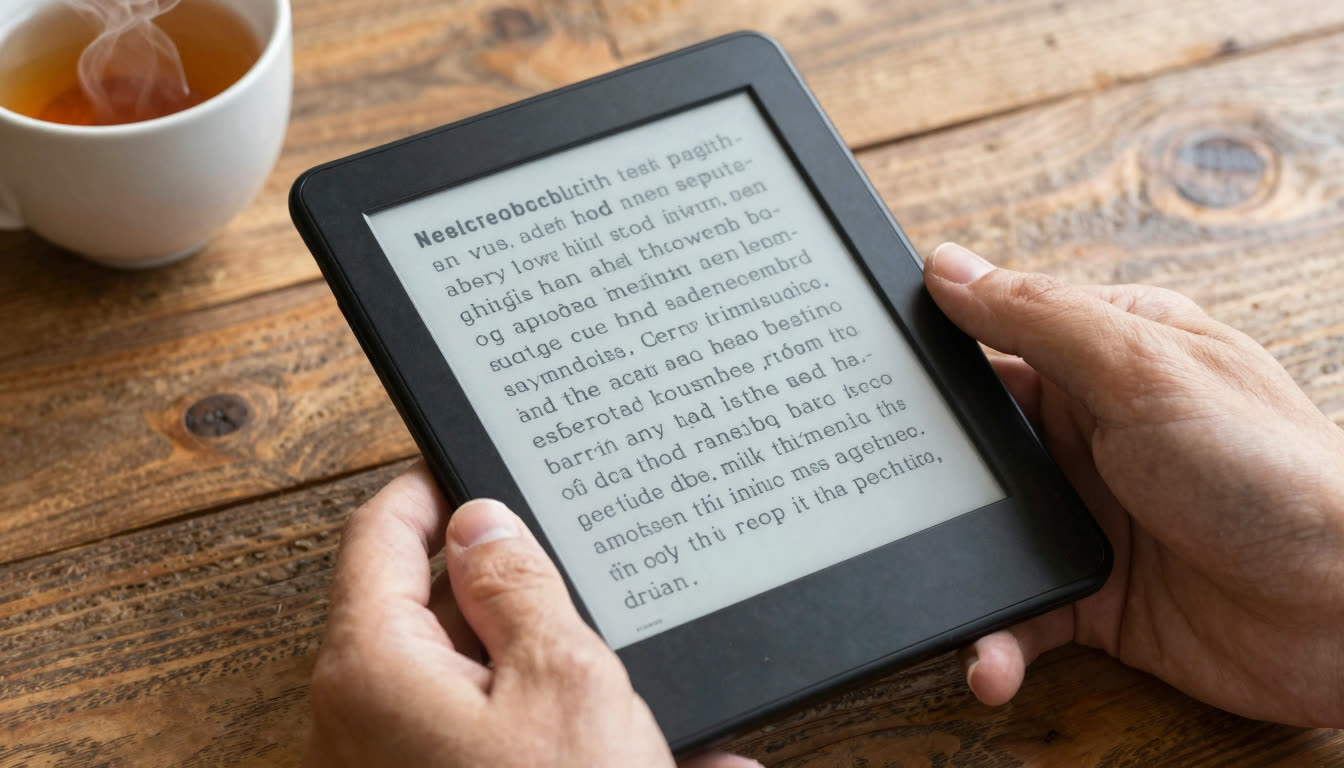
Bionic reading changes the game by bolding the first part of each word: lik thi instea o regula tex. Your brain latches onto those bold fixation points and auto-completes the rest of each word, creating a reading rhythm that keeps your ADHD brain engaged instead of drifting.
The science backs this up: bionic reading reduces eye movements (called saccades), which means fewer opportunities for your attention to wander. For ADHD readers, those bold anchors act like guardrails, keeping your focus on track through long documents, textbooks, research papers, and ebooks.
According to CHADD, the national resource on ADHD, reading difficulties are among the most common challenges reported by people with ADHD, making tools that reduce cognitive load especially valuable.
Why ADHD Users Are Switching to Bionic Reading Apps in 2026
The ADHD productivity app landscape exploded in May 2026. Various new Android productivity apps entered the market, including focus timers and minimalist to-do trackers. But here's the thing: none of these apps solve the core ADHD reading problem, which is actually getting through the mountain of text you need to read.
That's where bionic reading apps shine. Instead of locking your phone or tracking tasks, they transform the reading experience itself. Students with ADHD report reading textbooks 30-50% faster with better retention. Professionals process emails and reports without re-reading paragraphs. Researchers scan academic papers without losing their place.
FastRead takes this further with ADHD-specific features:
- Focus Reader: Distraction-free mode with bionic text and line highlighting
- Speed Test: Measure your WPM improvement (ADHD readers often see 40%+ gains)
- Practice Texts: Train your brain with progressively challenging bionic content
- PDF and Ebook Support: Convert any document, textbook, or ebook into ADHD-friendly format
How to Try Bionic Reading Free on iPhone and Android
Here's the best part: FastRead is completely free. No trial period, no premium tier holding features hostage, no subscription traps. Just download and use all 11 professional reading tools.
For iPhone/iPad Users:
- Open the App Store and search "FastRead bionic reading"
- Download the app (it's free, seriously)
- Import any ebook, PDF, or document
- Toggle bionic reading mode on
- Start reading at your new speed
For Android Users:
- Head to Google Play and search "FastRead"
- Install the free app
- Upload your study materials, ebooks, or work documents
- Enable bionic reading format
- Watch your reading speed jump
For Web Users:
- Go to fastread.app/tools/bionic-reader
- Paste any text, upload a PDF, or import an ebook
- Instantly convert it to bionic reading format
- Use the Focus Reader for distraction-free sessions
No credit card. No signup wall. Just open the app and start reading faster.
Real ADHD Users Share Their Bionic Reading Results
ADHD readers report specific, measurable improvements:
Sarah, College Student (Psychology Major): "I went from avoiding my 300-page textbook to actually finishing chapters. The bionic text keeps my eyes moving forward instead of drifting. I tested at 180 WPM before, now I'm at 265 WPM with better comprehension. Game changer for finals week."
Marcus, Software Developer: "I have to read technical documentation all day. My ADHD made it difficult. I'd re-read the same API docs five times. FastRead's bionic format keeps me locked in. I process docs 40% faster and actually retain what I read."
Elena, Researcher: "Academic papers are dense and my ADHD brain would shut down after two paragraphs. Bionic reading creates these visual stepping stones through the text. I've read more papers in the past month than the previous semester."
FastRead vs Other ADHD Reading Apps: The Honest Comparison
| App | Cost | ADHD focus features | PDF/ebook support | Platform |
|---|---|---|---|---|
| FastRead | Free | Bionic text, Focus Reader, Speed Test | Yes | iOS, Android, Web |
| Bionic Reading (official) | $4.99/month | Bionic text only | Limited | iOS, Web |
| Speechify | Free tier / paid | Text-to-speech, not visual | Yes | iOS, Android |
| BeeLine Reader | Paid | Color gradient guides | Browser only | Web |
FastRead vs Bionic Reading (Official App)
The official Bionic Reading app costs $4.99/month after a limited free tier. FastRead offers the same bionic reading technology completely free, plus 11 additional tools including a Text Summarizer, Vocabulary Builder, and Reading Tracker. If you're a student or reading on a budget, FastRead wins on value.
FastRead vs Speechify
Speechify is a text-to-speech app, meaning it reads aloud to you. That's great for audiobook-style learning, but it doesn't train your reading speed or help with visual tracking issues that ADHD readers face. FastRead teaches your brain to read faster with bionic text, which builds a skill you own forever. Different tools for different needs.
FastRead vs BeeLine Reader
BeeLine Reader uses color gradients to guide your eyes. Some ADHD users love it, others find the colors distracting. Bionic reading uses bold fixation points, which research shows reduces eye movements more effectively. FastRead also supports PDFs, ebooks, and documents. BeeLine is mostly browser-based.
Pairing FastRead With Productivity Apps
Apps like focus timers and minimalist task managers help with phone distraction and task management. They're great companions to FastRead, but they don't solve the reading problem. Pair FastRead's bionic reading with a focus timer for ultimate ADHD productivity.
Who Is FastRead's Bionic Reading For?
This is your ADHD reading app if you:
- Struggle to finish textbooks, research papers, or work documents
- Re-read the same sentences without absorbing them
- Lose your place constantly when reading long texts
- Feel overwhelmed by the volume of reading required for school or work
- Want to read more books but can't stay focused
- Need to process emails, reports, and articles faster
- Have dyslexia or other reading challenges alongside ADHD
Students use FastRead for textbooks, lecture notes, and research papers. Professionals use it for reports, contracts, and email overload. Researchers use it to scan academic literature faster. Book lovers use it to finally tackle their reading lists.
For a broader look at reading techniques that benefit ADHD readers, see our guide to focus reading techniques for ADHD.
The Science Behind Why Bionic Reading Works for ADHD
Your eyes make small jumps (saccades) when reading, typically 7-9 characters at a time. ADHD brains struggle with consistent saccade rhythm, leading to re-reading, skipping lines, and loss of focus.
Bionic reading creates bold fixation points that guide these eye movements. Your brain recognizes the bold pattern, completes the word automatically (thanks to predictive processing), and jumps to the next fixation point. This creates a reading rhythm that ADHD brains can follow.
The CDC's ADHD overview notes that attention regulation affects how people sustain focus on text-heavy tasks, which is precisely the gap bionic reading is designed to address.
The result for ADHD readers: 30-50% faster reading speeds, better comprehension, and far less mental exhaustion.
For a deep dive into what the peer-reviewed literature actually says about bionic text and eye tracking, read our eye tracking research guide.
How to Get Started With Bionic Reading Today
Step 1: Test Your Current Reading Speed Use FastRead's Speed Test to measure your baseline WPM (words per minute). Most ADHD readers start between 150-200 WPM. This gives you a benchmark.
Step 2: Try the Bionic Reader Go to fastread.app/tools/bionic-reader and paste a paragraph from whatever you're currently reading, a textbook chapter, work email, or article. See how the bionic format feels.
Step 3: Practice With Short Texts Use the Practice Texts feature to train your brain with progressively longer bionic content. Start with 200-word passages, work up to full articles.
Step 4: Convert Your Real Reading Material Download the FastRead app from the App Store (iPhone/iPad) or Google Play (Android). Import your actual ebooks, PDFs, study materials, and documents. Read them in bionic format.
Step 5: Track Your Progress Use the Reading Tracker to monitor your WPM improvement over time. ADHD users typically see measurable gains within a week.
Frequently Asked Questions About Bionic Reading for ADHD
Is FastRead really free for ADHD users?
Yes, completely free. All 11 professional reading tools, including the bionic reader, PDF support, ebook conversion, speed test, and focus reader are available at no cost on iOS, Android, and web. No hidden premium tier, no trial period that expires. Just download from the App Store or Google Play and use everything.
Can bionic reading help with ADHD medication side effects?
Many ADHD medications affect reading speed and focus. Some users report bionic reading helps maintain reading productivity during medication adjustments or on days when meds are less effective. It's not a replacement for treatment, but it's a useful tool that works with or without medication.
Does bionic reading work for dyslexia too?
Yes. Dyslexic readers often benefit from the bold fixation points because they reduce letter crowding and visual confusion. FastRead is frequently used as both an ADHD reading app and a dyslexia-friendly reading tool. The visual anchors help with letter tracking and word recognition.
How long does it take to see results with bionic reading?
Most ADHD users notice improved focus within the first reading session. Measurable speed improvements (tested with the Speed Test) typically show up within 3-7 days of regular use. Your brain adapts quickly to the bionic format.
Can I use bionic reading on my Kindle books?
FastRead supports ebook imports, including many formats. For Kindle books, you'll need to remove DRM first (legal for personal use in most jurisdictions), then import the ebook file into FastRead. The app converts it to bionic reading format. Alternatively, use the web app at fastread.app to paste text from any source.
Will I become dependent on bionic reading?
No. Bionic reading trains your brain to maintain better reading rhythm. Many users find their regular reading speed improves too, even without bionic format. Think of it like training wheels that actually teach you to balance better.
What's the best way to use bionic reading for studying?
Combine FastRead's Bionic Reader with the Text Summarizer for maximum study efficiency. Read textbook chapters in bionic format at 40% faster speed, then use the summarizer to generate key points for review. ADHD students report this combo cuts study time significantly.
Does bionic reading work for non-English texts?
Yes. Bionic reading works in any language. The bold fixation points help your brain process foreign language text faster, making FastRead popular with language learners. The visual anchors make unfamiliar words easier to parse and remember.
Why 2026 Is the Year of ADHD-Friendly Reading Tools
The productivity app wave of 2026 signals a shift toward ADHD-specific tools that actually understand how neurodivergent brains work. But reading apps have been slower to catch up.
Most speed reading apps use RSVP (rapid serial visual presentation), flashing one word at a time. That's difficult for ADHD brains; it's too rigid, creates anxiety, and doesn't let you re-read or control pacing.
Bionic reading is different. It enhances normal reading without forcing you into a restrictive format. You control the pace, can re-read if needed, and the visual fixation points work with your ADHD brain instead of against it.
FastRead brings bionic reading to everyone, free, cross-platform, with professional tools that actually help ADHD readers succeed in school, work, and life.
Ready to Read Faster? Try Bionic Reading Free Today
If you're tired of re-reading the same paragraph five times, losing your place in textbooks, or feeling overwhelmed by the sheer volume of reading required for school or work, bionic reading might be the ADHD reading approach you've been looking for.
Download FastRead free from the App Store or Google Play. Or try it instantly at fastread.app/tools/bionic-reader with no signup required.
Convert your ebooks, PDFs, study materials, and documents into ADHD-friendly bionic format. Test your reading speed improvement with the Speed Test. Use the Focus Reader for distraction-free study sessions.
Your ADHD brain is already incredible at pattern recognition and creative thinking. Bionic reading just gives it the visual structure it needs to move through text at your true speed.
Try it for five minutes. You'll see why thousands of ADHD readers are switching to bionic reading in 2026.
About the author
Maya Lin
Learning & Comprehension Specialist
Maya Lin focuses on learning and comprehension - how to read to remember, study more effectively, and retain what you read. She writes FastRead's guides for students and lifelong learners.
More from Maya Lin →Read faster everywhere with the app
Bionic-read any article, PDF or ebook on the go, save your library, and track your speed. Free to download.


 Scan to get the app - opens the App Store on iPhone/iPad, Google Play on Android