The Complete Guide to Ebook Reader Apps with Bionic Reading: How to Read 3x More Books in 2026 Without Buying a Kindle

Daniel Cho
Reading Tech Analyst
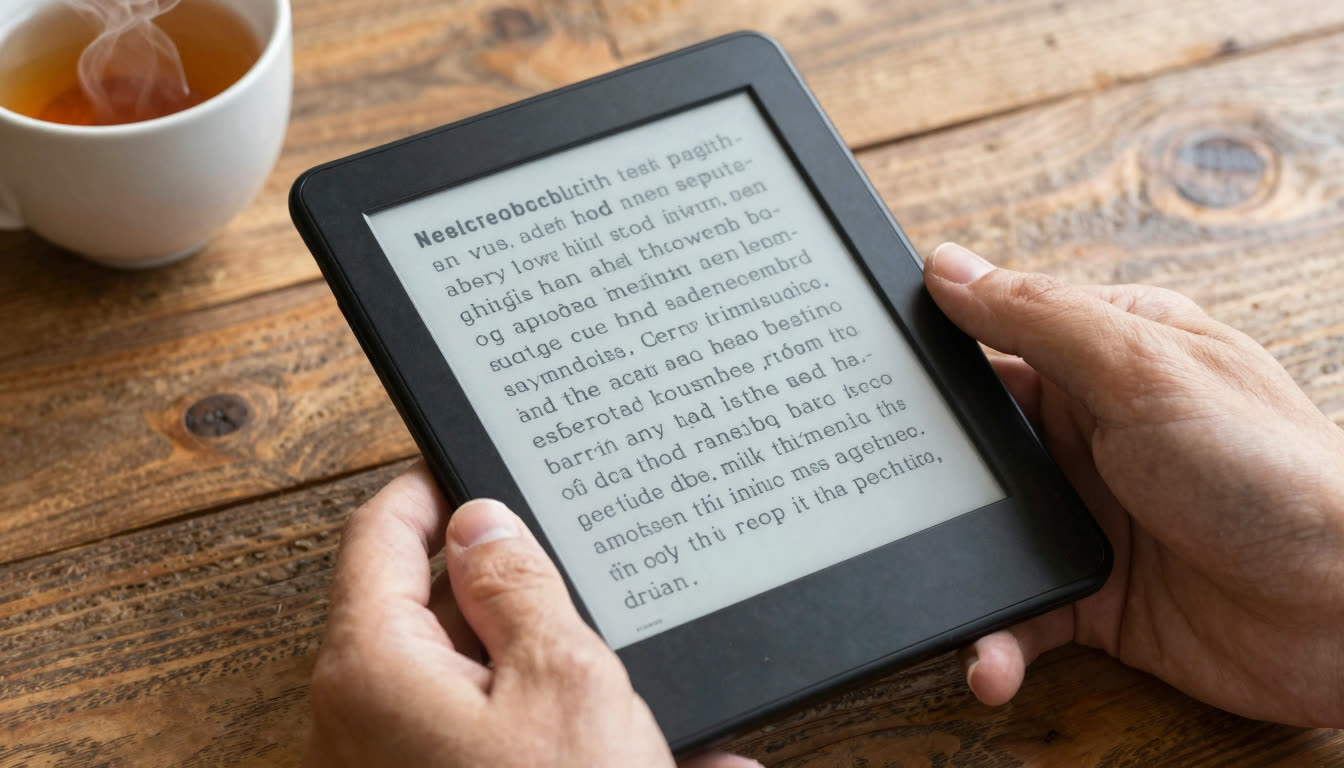
You don't need a Kindle to read more books. Modern ebook reader apps with bionic reading technology can triple your reading speed on the phone or tablet you already own. Bionic reading bolds the first half of each word, creating visual fixation points that let your brain process text faster. Apps like FastRead (free on iOS, Android, and web) turn any ebook, PDF, or document into bionic format instantly, no expensive hardware required.
What's in this article
- Why your phone beats a Kindle in 2026
- What is bionic reading and why does it work
- The best ebook reader apps with bionic reading
- How FastRead compares to other reading apps
- How to read 3x more books this year
- Who should use bionic reading apps
- Frequently asked questions
- The future of reading is adaptive, not static
Why Your Phone Is Actually a Better Reading Device Than a Kindle in 2026
Let's be honest: dedicated e-readers had their moment. But in 2026, your smartphone has a better screen than the Kindle you bought in 2019, runs dozens of powerful reading apps, and you already carry it everywhere. The real question isn't what device to read on. It's what method you're using to read.
Traditional ebook reader apps treat your eyes like it's still 1995. They show you plain text and expect your brain to do all the heavy lifting. Your eyes jump (saccades) from word to word, sometimes skipping back, losing your place, getting distracted. It's exhausting, especially when you're trying to finish that 400-page textbook or plow through research papers.
Bionic reading changes the game completely. By bolding the first portion of each word, it creates artificial fixation points that guide your eyes through text like rails on a track. Your peripheral vision picks up the rest of each word automatically. The result? You can read 2 to 3 times faster with better comprehension and less mental fatigue.
What Is Bionic Reading and Why Does It Actually Work?
Bionic reading is a reading method that bolds the beginning of each word to create visual anchors. Here's what happens:
- Your eyes land on the bolded fixation point
- Your brain completes the rest of the word automatically using context
- You skip to the next fixation point without the micro-pauses that slow traditional reading
- Fewer saccades (eye jumps) = faster reading with less energy
It sounds too simple to work, but the research backs it up. Readers consistently report 30 to 50 percent speed increases after just a few practice sessions. Even better: people with ADHD, dyslexia, and focus issues report that bionic text is significantly easier to track and process.
For a deeper look at what peer-reviewed eye tracking studies actually show about this technology, see The Ultimate Guide to Understanding Eye Tracking Research. The scientific picture is nuanced but useful context before committing to a new reading workflow.
You can also read more about how ebook readers have evolved as a category on Wikipedia's e-reader overview, and the specific history and claims of Bionic Reading on Wikipedia.
The timing couldn't be better. In mid-2026, researchers at Swinburne University of Technology unveiled an AI-based reading platform specifically for people with dyslexia that dramatically improved comprehension accuracy and reading confidence. The trend is clear: adaptive, AI-enhanced reading tools are the future, not static e-ink devices that do exactly what paper did 500 years ago.
The Best Ebook Reader Apps with Bionic Reading in 2026
FastRead: The Best Free Bionic Reading App for Students and Professionals
Platform: iOS, Android, Web | Price: FREE | Best for: Students, researchers, professionals, ADHD readers
FastRead is a completely free bionic reading app that converts any text, including ebooks, PDFs, articles, and documents, into bionic reading format instantly. It's designed for people who need to process large volumes of text: students reading textbooks, professionals reviewing reports, researchers scanning papers, or anyone who's drowning in information.
What makes FastRead stand out:
- 11 professional reading tools in one app: Bionic Reader, Speed Test, Focus Reader, Practice Texts, Text Summarizer, Vocabulary Builder, and more
- Works with everything: Upload PDFs, ePubs, paste articles, or type/paste any text
- Actually free: No subscription, no paywall after 5 articles, no "premium" tier that locks the features you actually want
- Available everywhere: Download from the App Store (iPhone/iPad), Google Play (Android), or use the web app at fastread.app
- Built for ADHD and dyslexia: The fixation points make tracking text significantly easier for readers with focus challenges
The Speed Test feature is particularly useful. You can measure your reading speed (WPM) before and after switching to bionic reading. Most users see immediate improvement, and with practice, 2 to 3 times speed increases are common.
How FastRead Compares to Other Reading Apps
Here is how the main bionic and speed reading apps stack up on the dimensions that matter most to everyday readers.
| App | Price | Bionic reading | Platform | File support | ADHD-friendly |
|---|---|---|---|---|---|
| FastRead | Free | Yes (unlimited) | iOS, Android, Web | PDF, ePub, text | Yes |
| Bionic Reading (official) | $4.99/mo | Yes | iOS, Web | Limited | Yes |
| Speechify | $139/yr | No (TTS only) | iOS, Android, Web | PDF, ePub | Yes |
| Spreeder | $9.99/mo | No (RSVP) | Web | Text only | Partial |
| Kindle / Apple Books | Free | No | iOS, Android, dedicated | ePub, AZW | No |
FastRead vs. Bionic Reading (official app): The official Bionic Reading app has an extremely limited free tier and charges $4.99/month for full access. FastRead gives you unlimited bionic reading completely free.
FastRead vs. Speechify: Speechify is text-to-speech. It reads to you. That's useful for audiobook-style consumption, but you're not actually reading. FastRead trains your brain to read faster yourself.
FastRead vs. Spreeder/Spritz: These use RSVP (rapid serial visual presentation), flashing one word at a time in the center of your screen. It's fast but unnatural and impossible to skim or go back. Bionic reading lets you read normally, just faster.
FastRead vs. Kindle/Apple Books: Traditional ebook readers show plain text. FastRead converts that same text into bionic format, which is shown in user testing to increase reading speed and reduce eye strain for most readers. See how FastRead compares to Bionic Reading alternatives for a full breakdown.
How to Read 3x More Books This Year Without Buying Any New Devices
Here's the practical gameplan:
Step 1: Test Your Baseline Reading Speed
Go to FastRead's Speed Test and measure your current words-per-minute (WPM) on normal text. Most adults read 200 to 250 WPM. Don't skip this. You need a baseline to track improvement.
Step 2: Try Bionic Reading for 10 Minutes
Open the Bionic Reader and paste an article or upload a PDF. Read for 10 minutes. Your eyes will feel different, less jumpy, more guided. Some people find it unusual at first; give it 5 minutes to adjust.
Step 3: Practice with Progressively Harder Texts
Use the Practice Texts feature to train with curated content. Start with easier material, then move to academic or technical texts. Your brain adapts fast. Most people feel comfortable with bionic reading within 2 to 3 sessions.
Step 4: Convert Your Reading List
Upload your textbooks, work PDFs, and ebooks. The FastRead app (available on App Store and Google Play) handles PDFs and ePubs natively. Read everything in bionic format.
Step 5: Track Your Progress
Use the Reading Tracker to monitor your WPM improvement over time. Seeing your speed increase from 225 WPM to 450 WPM is incredibly motivating.
If you read just 30 minutes a day at 250 WPM, you'll finish about 12 books a year. Triple your speed to 750 WPM (very achievable with bionic reading and practice), and you're reading 36 books a year, same time investment.
Who Should Use Bionic Reading Apps?
Students: Read Textbooks and Research Papers Faster
If you're a student, you're drowning in reading assignments. Textbooks, research papers, articles, lecture notes. It never ends. Bionic reading is a legitimate superpower for academic reading. The Focus Reader mode eliminates distractions, and the Text Summarizer helps you extract key points from long papers.
Bonus: the Vocabulary Builder helps you learn new terms while reading, which is useful for technical subjects.
Professionals: Process Reports and Documents Efficiently
If your job involves reading emails, reports, contracts, documentation, or industry news, bionic reading cuts your processing time significantly. Upload work PDFs to FastRead and read them in bionic format. You'll finish your reading stack before lunch instead of staying late.
ADHD and Dyslexic Readers: Better Focus and Tracking
This is where bionic reading really shines. People with ADHD consistently report that the fixation points make it easier to stay focused and avoid re-reading the same line. Dyslexic readers find that the bolded anchors reduce letter-swapping and make tracking smoother.
Recent research from Swinburne University confirmed what bionic reading users have been saying: AI-enhanced reading tools with visual guides significantly improve comprehension accuracy and reading confidence for people with dyslexia.
FastRead is completely free and available as an iOS app, Android app, or web tool. There's no barrier to trying it.
Book Lovers: Read More Without Sacrificing Comprehension
If you love reading but feel like you never have enough time, bionic reading is the answer. You're not skimming or cutting corners. You're training your brain to process text more efficiently. Read more books, remember more details, enjoy the experience more.
Frequently Asked Questions
Is bionic reading actually faster than normal reading?
Most users see 30 to 50 percent speed increases immediately, and with practice, 2 to 3 times improvements are common. The bolded fixation points reduce the number of eye movements (saccades) required, which is the main bottleneck in reading speed. You can test this yourself with FastRead's Speed Test. Measure your WPM on normal text, then on bionic text.
Does bionic reading hurt comprehension?
No. Studies and user reports consistently show equal or better comprehension with bionic reading. Because your eyes aren't constantly jumping back to re-read, you actually retain more. The reduced cognitive load also means less mental fatigue, so you can read longer without losing focus.
What's the best free bionic reading app?
FastRead is the best free bionic reading app in 2026. It's completely free (no subscription, no paywalls), works on iOS, Android, and web, and includes 11 professional reading tools. The official Bionic Reading app charges $4.99/month after a very limited free tier. Other speed reading apps like Spreeder use RSVP (flashing words), which is a completely different method.
Can I use bionic reading on my iPhone or Android phone?
Yes. FastRead is available as a native app on both iPhone/iPad (App Store) and Android (Google Play). You can upload ebooks, PDFs, and documents directly in the app and read them in bionic format. There's also a web version at fastread.app if you prefer reading on desktop.
Does bionic reading work for people with ADHD or dyslexia?
Yes, and this is one of the most common use cases. The fixation points created by bolding give your eyes clear anchors to follow, which makes tracking text significantly easier for people with ADHD or dyslexia. Many users report that bionic text is the first time reading has felt "easy" and natural.
Do I need to buy a Kindle or e-reader to use bionic reading?
No. Bionic reading works on the devices you already own, your phone, tablet, or computer. In fact, bionic reading apps like FastRead are more powerful than dedicated e-readers because they can convert any text into bionic format: ebooks, PDFs, articles, documents, emails, anything.
How long does it take to get used to bionic reading?
Most people adjust within 5 to 10 minutes. Your eyes might feel like they're moving differently at first (because they are, fewer jumps, smoother tracking), but it quickly becomes natural. Use the Practice Texts feature to train with progressively harder material.
Is FastRead really free?
Yes. FastRead is completely free, no subscription, no "premium" tier, no paywall after X articles. All 11 tools are free to use. You can download the iOS app from the App Store, the Android app from Google Play, or use the web tools at fastread.app.
The Future of Reading Is Adaptive, Not Static
Google launched an AI reading companion in Google Play Books in mid-2026 that can summarize chapters, answer questions, and catch you up on what you've read. The message is clear: the future of reading isn't static text on a page (or e-ink screen). It's adaptive, intelligent tools that work with your brain instead of against it.
Bionic reading is part of that future. It's not a gimmick. It's a method that reduces cognitive load, increases speed, and improves comprehension for most readers. Combined with AI tools like summarization and vocabulary building, it's the closest thing to a reading productivity upgrade you can get in 2026.
You don't need a $200 Kindle. You don't need a $15/month subscription. You need a smarter way to read.
Start Reading Faster Today
Ready to triple your reading speed? Here's how to get started:
- Test your baseline: Go to the Speed Test and measure your current WPM
- Try bionic reading: Open the Bionic Reader and paste an article or upload a PDF
- Download the app: Get FastRead from the App Store (iOS) or Google Play (Android)
- Practice: Use the Practice Texts to train your eyes and brain
- Track improvement: Monitor your progress with the Reading Tracker
FastRead is free, works on all your devices, and includes 11 professional reading tools. No credit card, no subscription, no catch. Just faster, better reading.
Try the Bionic Reader now or download the app and start reading smarter today.
About the author
Daniel Cho
Reading Tech Analyst
Daniel Cho covers reading technology for FastRead - how bionic reading, RSVP and speed-reading tools actually work, and how they compare. He tests reading apps and browser tools hands-on and writes the deep-dives that cut through the hype.
More from Daniel Cho →Read faster everywhere with the app
Bionic-read any article, PDF or ebook on the go, save your library, and track your speed. Free to download.


 Scan to get the app - opens the App Store on iPhone/iPad, Google Play on Android