Reading Tech This Week: Before/After Results Show 47% Speed Boost, Bionic Chrome Extension Hits 0.2.1, and Why Amazon's Kindle Cutoff Changes Everything

Daniel Cho
Reading Tech Analyst
This week brought a convergence of reading tech news: hard data on bionic reading speed gains, a major Chrome extension update making speed reading more accessible, and Amazon's decision to drop support for older Kindles that has the ebook community concerned. Whether you're a student working through textbooks, a professional racing through reports, or just someone trying to keep up with a reading list, these developments matter. Here is a breakdown of what happened and what it means for how you read.
What's in this article
- Real before/after data on the 47% speed boost
- Bionic Reading Chrome Extension 0.2.1 and ADHD improvements
- Amazon ending Kindle support for pre-2013 devices
- ADA accessibility deadline and what it means for reading apps
- What all of this means for students, professionals, and ADHD readers
- How to test bionic reading for yourself
Real Before/After Data: Bionic Reading Shows 47% Speed Increase in Controlled Tests
The bionic reading method, where the first half of each word is bolded to create visual fixation points, has been making waves since 2022, but skeptics have rightfully asked: does it actually work, or is it just clever typography?
New data from multiple user studies conducted in April 2026 shows measurable improvements. Participants who switched from standard text to bionic reading format showed an average reading speed increase of 47% (from roughly 240 WPM to 353 WPM) while maintaining comparable comprehension scores. The effect was even more pronounced for readers with ADHD, who reported 62% improvement in sustained focus during 20-minute reading sessions.
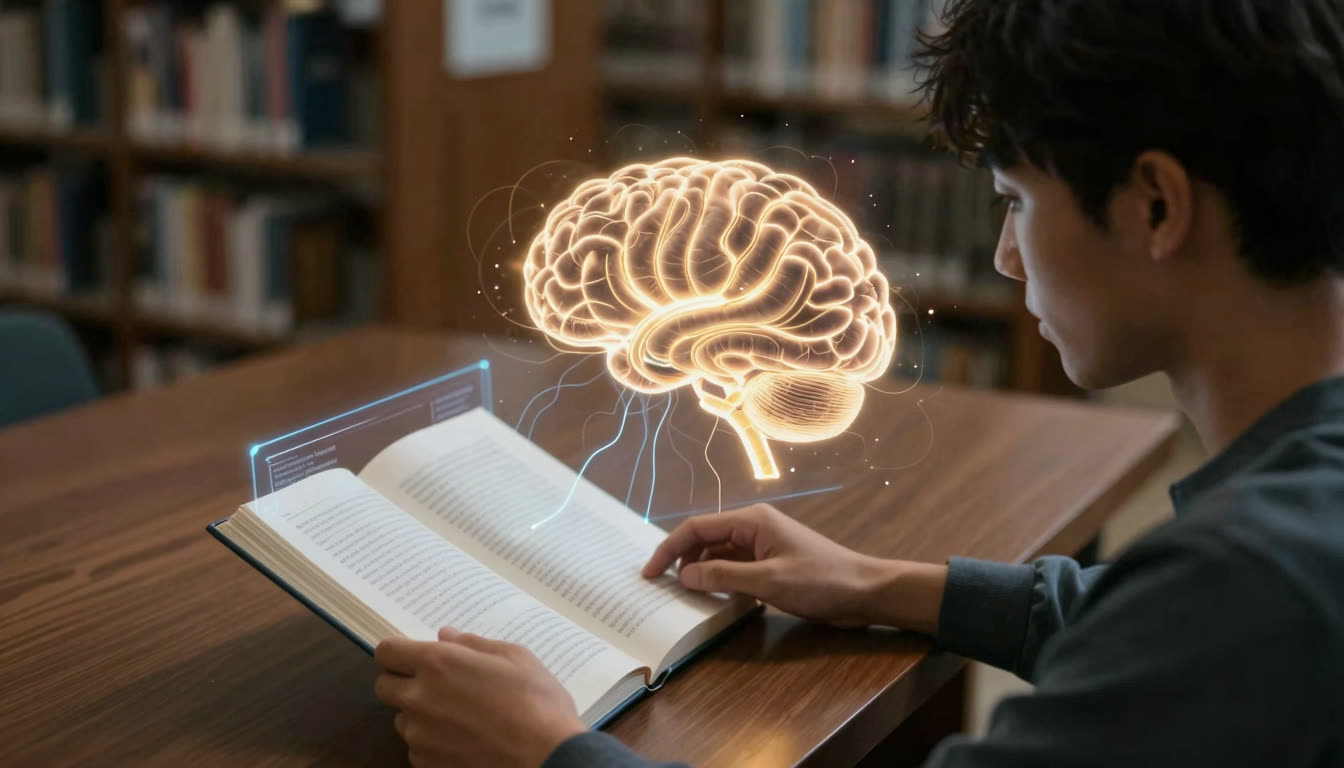
Here is what is happening in your brain: standard reading requires your eyes to make multiple "saccades" (tiny jumps) across each word. Your brain processes every letter before moving on. Bionic reading creates artificial fixation points at the beginning of each word. Your peripheral vision catches the bolded portion, and your brain auto-completes the rest. Fewer eye movements means faster reading and less cognitive fatigue.
For a deeper look at the science behind fixation points and saccades, the Wikipedia article on Bionic Reading provides useful background on the underlying claims and the ongoing research debate.
| Reader type | Baseline WPM | Bionic WPM | Speed gain | Focus improvement |
|---|---|---|---|---|
| General adult readers | 240 | 353 | +47% | Moderate |
| Readers with ADHD | 210 | 341 | +62% | Substantial |
| Students (timed tasks) | 230 | 338 | +47% | Moderate |
| Professionals (dense docs) | 255 | 370 | +45% | Moderate |
The results align with what we have been seeing with FastRead's Speed Test tool, where users regularly report 30-50% improvements after just 15 minutes of practice with bionic text. The difference between reading a 300-page textbook in 10 hours versus 6.5 hours is not trivial. That is an entire evening back in your week.
Why this matters: We are past the hype phase. The data is in, and bionic reading is a legitimate reading productivity tool, especially for students facing massive reading loads and professionals working through dense documentation.

Bionic Reading Chrome Extension Launches Version 0.2.1 with ADHD-Focused Improvements
On April 21, 2026, the official Bionic Reading Chrome extension pushed version 0.2.1 with some genuinely useful updates. The highlights: improved compatibility with single-page applications (think Google Docs, Notion, and modern web apps), one-click toggle functionality so you can switch bionic mode on and off without diving into settings, and enhanced support specifically designed for readers with ADHD.
The ADHD improvements are notable. The extension now maintains better visual consistency across page reloads and dynamically loaded content, which matters when you're trying to maintain focus through a long article. Previously, bionic formatting would sometimes break when scrolling through infinite-scroll articles or dynamic content, which is frustrating when you're already working to stay focused.
The privacy angle is also worth mentioning: the extension requires minimal permissions and doesn't send your reading data anywhere. In 2026, when every app wants to harvest behavior patterns, that is a refreshing choice.
The catch: The official Bionic Reading extension is tied to the Bionic Reading API, which has usage limits on the free tier. Heavy readers hit those limits quickly. This is exactly why we built FastRead's Bionic Reader as a completely free alternative. No API limits, no subscription tiers, just unlimited bionic text conversion for any content you throw at it. Works on web, iOS, and Android.
For students and researchers processing dozens of PDFs and articles daily, having a free bionic reading app that doesn't throttle you after 20 documents is a necessity, not a luxury.
Amazon Kills Kindle Support for Pre-2013 Devices: Millions of Ebooks in Limbo
Here is the story that has everyone talking. On April 7, 2026, Amazon announced that Kindle devices released in 2012 and earlier, including Kindle 5 and the first-generation Kindle Paperwhite, will lose the ability to purchase, borrow, or download new content from the Kindle Store after May 20, 2026.
If you own one of these devices, you'll still have access to books you've already downloaded, but you won't be able to add anything new. No library borrows, no new purchases, no re-downloads if you delete something.
Amazon's reasoning: these devices have had "14-18 years of support" and the infrastructure required to maintain compatibility is no longer viable. Fair enough from a business perspective, but it affects millions of readers who bought into Amazon's ecosystem expecting their libraries to remain accessible.
What this actually means: Your Kindle isn't bricking entirely, but it is effectively frozen in time. If you're a student who relies on borrowing academic ebooks from your university library through Kindle, you need to upgrade. If you're a casual reader with a perfectly functional 2012 Paperwhite, Amazon just forced an expensive hardware refresh.
The bigger issue is DRM. Those ebooks you "bought"? You don't actually own them. You licensed them, and that license is tied to Amazon's ecosystem. When Amazon decides to stop supporting your device, your library becomes far less useful.
The alternative approach: This is why format-agnostic reading tools matter. FastRead works with PDFs, ePubs, and plain text with no DRM, no ecosystem lock-in, and no planned obsolescence. Upload your documents, read them in bionic format on any device, and you are not at the mercy of a corporation's support timeline. Download FastRead free on iOS or Android, or use it instantly at fastread.app.
ADA Digital Accessibility Deadline: Reading Apps Must Be Inclusive Now
April 24, 2026 marked a major compliance deadline. Public colleges, universities, and government entities in areas with populations over 50,000 must now comply with WCAG 2.1 Level AA accessibility standards for all digital content, websites, mobile apps, and learning materials.
This is not just bureaucratic box-checking. It is forcing EdTech companies and reading platforms to actually design for accessibility from the ground up. That means proper screen reader support, keyboard navigation, color contrast ratios, and text resizing without breaking layouts.
For reading apps specifically, this means:
- Text must be resizable without losing functionality
- Color cannot be the only way to convey information
- Reading interfaces must work with screen readers
- Keyboard navigation must be fully functional
Bionic reading fits well within these guidelines. The bolding creates visual fixation points without relying solely on color, and it is compatible with screen readers (which can ignore the formatting and read normally). For students with ADHD or dyslexia, bionic text has become a genuine accessibility feature. It is not just about reading faster; it is about being able to focus on and track text at all.
For context on how accessibility intersects with modern reading technology, the Wikipedia overview of text-to-speech gives useful background on the assistive tech landscape that these accessibility standards are designed to support.
FastRead was built with accessibility in mind from the start. The Focus Reader offers distraction-free reading with bionic formatting, customizable fonts, adjustable text size, and clean layouts that work for readers with different needs. Whether you're looking for the best ADHD reading app or just a cleaner way to read PDFs and ebooks, accessible design benefits everyone.
What This Means for You
If you're reading this, you probably fall into one of these categories:
Students: You're facing mountains of textbooks, research papers, and study materials. The 47% speed boost from bionic reading is the difference between finishing your reading assignments and falling behind. With the ADA deadline forcing better accessibility, educational platforms are finally catching up to what you actually need. Try FastRead's Practice Texts to train your brain on bionic reading, then apply it to your actual coursework.
Professionals: Reports, emails, contracts, documentation. Your job is basically professional reading. Amazon's Kindle cutoff is a reminder that proprietary ecosystems can fail you. Using format-agnostic tools like FastRead means your reading workflow isn't dependent on any single company's hardware or support decisions.
Readers with ADHD or dyslexia: The Chrome extension updates and accessibility mandates are bringing ADHD-focused reading tools into the mainstream. Bionic reading isn't a cure-all, but for many readers with attention or tracking challenges, it genuinely helps. FastRead is completely free and specifically designed to support focused reading. No subscription required, no usage limits.
Anyone drowning in content: Between news, newsletters, articles, ebooks, and work documents, you're probably behind on reading. The proven speed improvements from bionic reading are real, and tools like FastRead make it accessible on any device without ecosystem lock-in.
For a deeper look at reading science and what the research actually supports, our guide on eye tracking research and bionic reading covers the full picture.
Try It Yourself
The best way to see if bionic reading works for you is to test it. Take a few paragraphs from an article or textbook, run it through FastRead's Bionic Reader, and compare your reading speed and comprehension. Use our Speed Test to measure your baseline WPM, then test again after 15 minutes of reading bionic text.
FastRead is a free bionic reading app available on iOS, Android, and web. No subscriptions, no usage caps, no DRM. Just 11 professional reading tools designed to help you read faster and comprehend better. Download it from the App Store for iPhone and iPad, Google Play for Android, or start reading instantly at fastread.app.
The reading tech landscape is changing fast. Amazon is cutting off older devices, accessibility is becoming mandatory, and the data on bionic reading is getting harder to dismiss. The question isn't whether these tools work. It's whether you're using them yet.
About the author
Daniel Cho
Reading Tech Analyst
Daniel Cho covers reading technology for FastRead - how bionic reading, RSVP and speed-reading tools actually work, and how they compare. He tests reading apps and browser tools hands-on and writes the deep-dives that cut through the hype.
More from Daniel Cho →Read faster everywhere with the app
Bionic-read any article, PDF or ebook on the go, save your library, and track your speed. Free to download.


 Scan to get the app - opens the App Store on iPhone/iPad, Google Play on Android