Speed Reading for Students: Techniques That Actually Work

Maya Lin
Learning & Comprehension Specialist
Every student has been there: staring at a 40-page PDF at 11 PM, eyes glazing over the same paragraph for the third time, wondering if there's a better way. The internet is full of speed reading promises ("Read 1000 words per minute!"), but most techniques either don't work or tank your comprehension. So what actually does work?
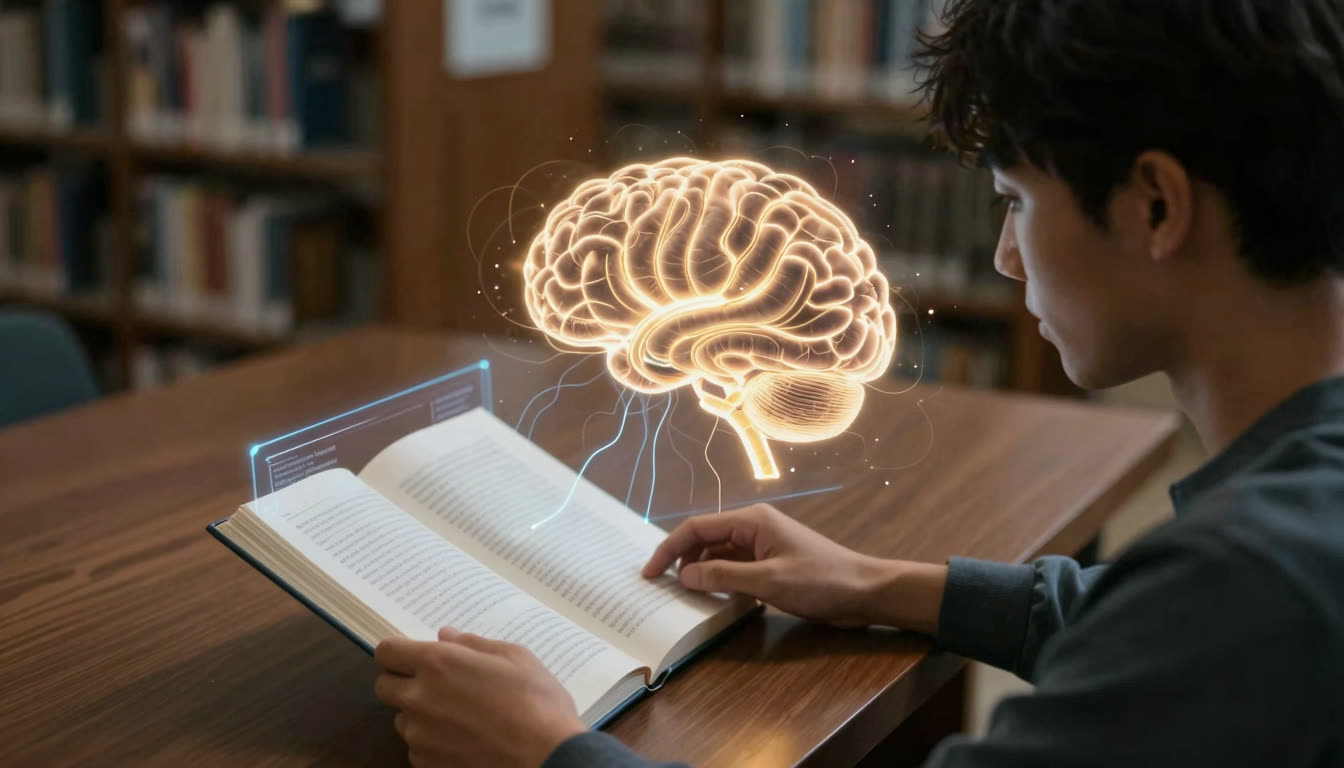
The truth is, effective speed reading for students isn't about skimming or magical eye tricks. It's about reducing the friction between your eyes and your brain, eliminating subvocalization where it matters, and using tools that guide your visual attention more efficiently. Let's break down what the science says, what actually works in the real world, and how modern reading apps are changing the game.
What's in this article
- The Problem: Why Most Students Read Slowly
- What the Research Actually Says
- Techniques That Actually Work (Ranked by Effectiveness)
- What Doesn't Work (Don't Waste Your Time)
- The Modern Stack: Tools Students Actually Use
- Real Student Results
- Implementation: Your 7-Day Speed Reading Sprint
- The Future: AI-Assisted Reading
- Bottom Line: What Actually Works
- FAQ
The Problem: Why Most Students Read Slowly
Before we talk about solutions, let's diagnose the problem. Most people read between 200-300 words per minute (WPM). Students often read even slower when dealing with dense academic material, textbooks, or research papers. Why?
The Four Reading Bottlenecks
- Subvocalization: You're silently "saying" every word in your head. This caps your reading speed at your internal speaking speed (around 250 WPM).
- Regression: Your eyes jump backward to re-read words or phrases you just read, breaking flow and momentum.
- Fixation duration: Your eyes pause (fixate) on each word cluster. Longer fixations mean slower reading.
- Narrow eye span: Most readers fixate on 1-2 words at a time instead of chunks of 3-5 words.
Traditional speed reading courses try to fix all four at once with exercises and drills. The problem? Most students don't have time to spend weeks practicing eye exercises. They need results now, and they need to actually understand what they're reading.
What the Research Actually Says
A Nielsen Norman Group study on reading patterns found that people don't read web content word-by-word. They scan in F-patterns, looking for visual anchors and fixation points. This insight is key: your brain doesn't need every letter to understand a word. It needs enough visual information to pattern-match and predict.
This is exactly why bionic reading works. By bolding the first part of each word, you create artificial fixation points that guide your eyes through text faster. Your brain fills in the rest automatically. Studies suggest this can increase reading speed by 20-50% without sacrificing comprehension, especially for people with ADHD or dyslexia.
Interestingly, Google just launched "Book insights" in Play Books (June 2026), an AI reading companion that recaps what you've read and explains confusing passages. Meanwhile, Swinburne University unveiled an AI reading platform specifically for dyslexia that adapts to different severity levels. The reading tech space is exploding right now, and students have more tools than ever.
Techniques That Actually Work (Ranked by Effectiveness)
Here's what actually moves the needle, based on research and real-world student feedback:
| Technique | Speed Gain | Comprehension Impact | Difficulty | Best For |
|---|---|---|---|---|
| Bionic reading | 20-50% | Neutral to positive | Easy | All text types, ADHD |
| Eliminating subvocalization | 30-100% | Slight decrease initially | Hard | Non-technical reading |
| Pointer/pacer method | 10-25% | Neutral | Easy | Long documents, focus |
| Preview scanning | 15-30% | Positive | Medium | Textbooks, research papers |
| Chunking (eye span expansion) | 20-40% | Neutral | Hard | Practice texts |
| Speed drills | 10-20% | Neutral | Medium | Building habits |
| Skimming (strategic) | 100-300% | Major decrease | Easy | Filtering, not learning |
1. Bionic Reading (Easiest, Most Effective)
What it is: Text formatted with the first part of each word bolded, creating visual fixation points.
Why it works: Your eyes jump from bold anchor to bold anchor instead of fixating on every word individually. Your brain auto-completes the rest. This reduces saccades (eye jumps) and fixation duration.
How to use it: Convert your PDFs, ebooks, and documents into bionic format. Try our Bionic Reader to paste any text and see it instantly transformed. For longer documents, use the FastRead app (free on iOS and Android) to open PDFs and ebooks directly in bionic format.
Real results: Students report 30-40% speed increases on first try, with comprehension staying the same or improving because they're more focused.
2. Eliminating Subvocalization (Hardest, Highest Ceiling)
What it is: Training yourself to stop "hearing" words in your head as you read.
Why it works: Subvocalization caps your speed at speaking pace. Your brain can process visual information much faster than auditory.
How to use it: Start with easy, familiar material. Focus on grasping meaning from the shape of words and sentences, not the sound. Hum quietly while reading to occupy your inner voice. This feels weird at first and works better for narrative text than dense technical material.
Warning: Don't eliminate subvocalization for math, code, or highly technical content where precision matters. Use it strategically.
3. The Pointer Method (Underrated)
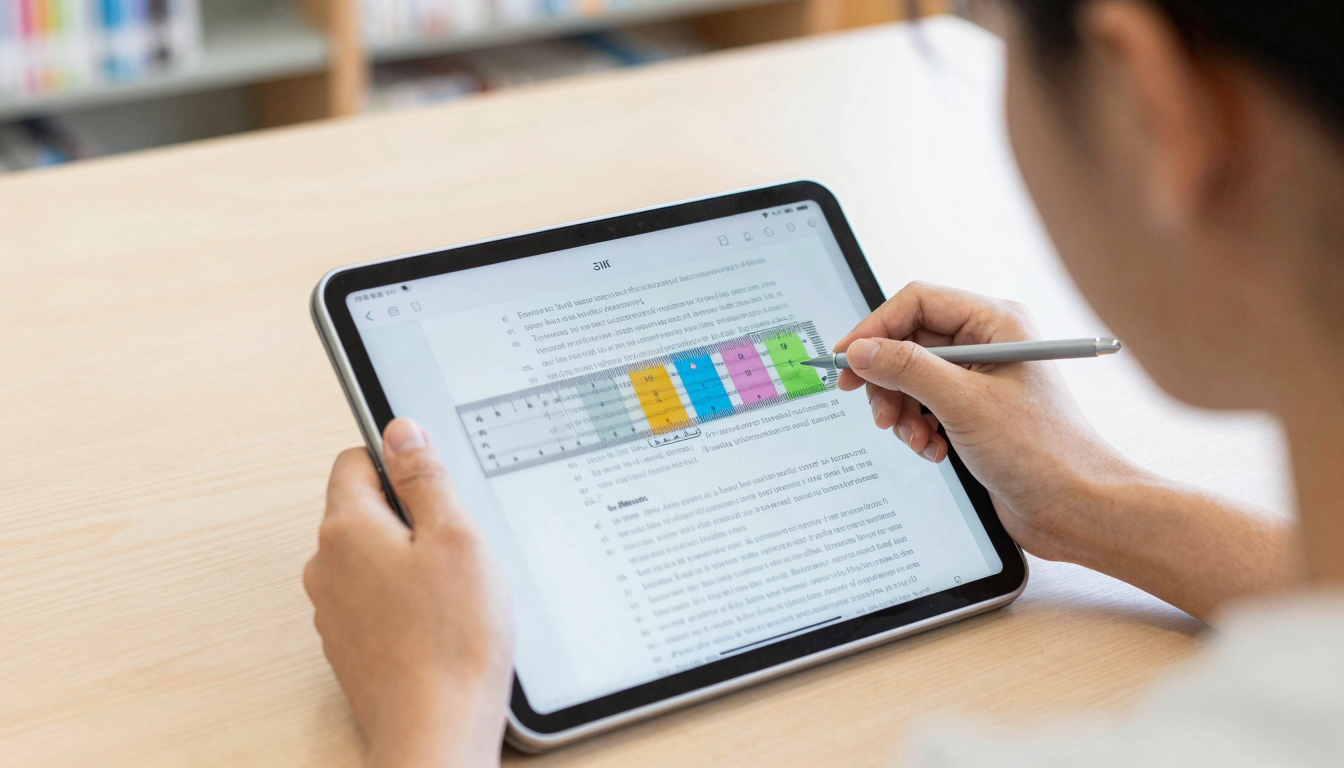
What it is: Using your finger, cursor, or a digital reading ruler to guide your eyes through text.
Why it works: It prevents regression and gives your eyes a physical anchor to follow, reducing wandering and distraction.
How to use it: Move your finger smoothly under each line as you read, slightly faster than feels comfortable. Your eyes will follow. In digital reading, use Focus Reader mode, which highlights the current line and dims everything else.
Best for: Students with ADHD or anyone who loses their place frequently. The physical or visual guide keeps you locked in.
4. Preview Scanning (Most Underused)
What it is: Spending 2-3 minutes scanning a chapter or paper before reading it in depth.
Why it works: Your brain builds a mental map of the content, making deep reading faster and more efficient. You know what's coming, so you can adjust speed dynamically.
How to use it: Read the title, abstract, headings, first sentence of each paragraph, and conclusion. Look at figures and tables. Then read normally. This "primes" your brain for the content.
Real results: Students report 25% faster comprehension on textbook chapters and research papers.
5. Speed Drills and Tracking
What it is: Practicing reading at progressively faster speeds and tracking your WPM over time.
Why it works: Like any skill, deliberate practice builds speed and confidence. Tracking progress is motivating.
How to use it: Use our Speed Test to measure your baseline WPM. Then practice with curated texts in bionic format, pushing yourself to read 20-30% faster than comfortable. Test weekly to see improvement. Use the Reading Tracker to log progress.
Tip: Practice on easier material first. Speed on easy text transfers to harder text, but not vice versa.
What Doesn't Work (Don't Waste Your Time)
RSVP readers (one word at a time): Apps like Spritz and Spreeder flash one word at a time in the center of the screen. This eliminates eye movement entirely. The problem? It's exhausting, kills comprehension on complex material, and you can't go back to re-read. Fine for news articles, terrible for studying.
"Photographic memory" training: No, you can't train yourself to photograph pages and recall them perfectly. This is a myth.
Extreme speed claims: Anyone promising 1000+ WPM with full comprehension is lying. Elite speed readers top out around 600-800 WPM on familiar material. Anything faster is skimming.
Eye exercises alone: Expanding your peripheral vision doesn't help if you're still subvocalizing every word.
The Modern Stack: Tools Students Actually Use
Here's what actually works in 2026:
- Bionic reading app: FastRead for converting textbooks, PDFs, and ebooks into bionic format (free on iOS, Android, and web).
- AI summarizer: Use our Text Summarizer to get the gist of long papers before deep reading. Google's new Book insights does this for Play Books titles.
- Focus mode: Distraction-free reading with line highlighting (Focus Reader).
- Vocabulary builder: Learn words in context as you read (Vocabulary Builder).
- Progress tracking: Log your reading sessions and WPM improvement (Reading Tracker).
The key is stacking tools. Use AI to summarize and filter, bionic reading to speed through what matters, and focus mode to eliminate distraction. This is how students are reading 2-3x more material in the same time.
Real Student Results
Here's what students report after switching to bionic reading:
- Sarah, premed student: "I went from 240 WPM to 380 WPM on biochem textbooks in two weeks. The bold fixation points keep me locked in, and I'm not re-reading paragraphs anymore."
- Jake, law student: "Case law is dense. Bionic format makes it way easier to scan for key info and then slow down on important sections. I'm getting through readings 40% faster."
- Mia, ADHD, English major: "I've tried every reading app. Bionic reading is the only thing that actually works for me. My eyes don't wander, and I remember what I read."
Implementation: Your 7-Day Speed Reading Sprint
Day 1-2: Measure your baseline WPM with our Speed Test. Test on both easy and hard material.
Day 3-4: Convert all your reading into bionic format. Use our Bionic Reader for web articles and the FastRead app for PDFs and ebooks. Read normally, don't force speed yet.
Day 5-6: Add preview scanning. Spend 2-3 minutes scanning before deep reading. Use the pointer method (finger or Focus Reader line highlight).
Day 7: Retest your WPM. Most students see 25-40% improvement. Track progress weekly.
Ongoing: Practice speed drills on easy material 10-15 minutes daily. Gradually work on reducing subvocalization for non-technical reading.
The Future: AI-Assisted Reading
Google's Book insights launch and Swinburne's dyslexia AI platform signal where this is heading. Future reading apps will:
- Auto-adjust bionic intensity based on text difficulty and your fatigue level
- Provide real-time comprehension checks and adaptive summaries
- Highlight key concepts and connections across multiple documents
- Personalize visual formatting (bionic, color gradients, spacing) to your brain's preferences
FastRead is already building some of these features. The goal isn't just speed. It's comprehension, retention, and reading more of what matters with less friction.
Bottom Line: What Actually Works
Speed reading for students isn't about gimmicks or magic tricks. It's about:
- Reducing visual friction with bionic reading
- Eliminating bad habits like regression and excessive subvocalization
- Using tools that guide attention and reduce distraction
- Practicing deliberately and tracking progress
The fastest path? Start with bionic reading. It's the easiest technique with the best immediate results. Try our Bionic Reader right now, paste in a textbook chapter or article, and see the difference. For PDFs and ebooks, download FastRead (free on App Store and Google Play).
You've got 200 pages to read this week. Might as well read them 40% faster.
FAQ
Is speed reading real or a scam?
It depends. Extreme claims (1000+ WPM with perfect comprehension) are BS. But increasing your speed by 30-50% with tools like bionic reading and eliminating bad habits? Absolutely real and backed by research.
Does bionic reading actually work?
Yes. By creating visual fixation points (bolded first parts of words), bionic reading reduces the number of eye fixations and saccades needed to process text. Students consistently report 20-50% speed increases with equal or better comprehension, especially on first use.
What's the best speed reading app for students?
FastRead is the best free option. It converts PDFs, ebooks, and documents into bionic reading format, includes a speed test, focus reader, practice texts, and reading tracker. It's available on iOS, Android, and web with no subscription required.
Can I speed read textbooks without losing comprehension?
Yes, with the right approach. Use preview scanning to build a mental map, read in bionic format to reduce visual friction, and slow down on dense or unfamiliar sections. Speed reading is about variable speed, not constant speed.
Is bionic reading good for ADHD?
Many students with ADHD report that bionic reading significantly improves focus and reduces the tendency to lose their place or re-read. The bold fixation points act as visual anchors that keep attention locked on the text.
How long does it take to learn speed reading?
With bionic reading, you see results immediately (20-40% faster on first use). To develop advanced skills like reduced subvocalization and expanded eye span, expect 2-4 weeks of daily practice.
What's better, bionic reading or RSVP (one word at a time)?
Bionic reading is better for studying and comprehension. RSVP (apps like Spritz) is faster for skimming news but exhausting and bad for retention. You can't go back, can't control pace dynamically, and comprehension drops on complex material.
Is FastRead really free?
Yes. FastRead is completely free on iOS, Android, and web. All 11 tools (bionic reader, speed test, focus reader, practice texts, summarizer, vocabulary builder, reading tracker, and more) are included with no subscription.
About the author
Maya Lin
Learning & Comprehension Specialist
Maya Lin focuses on learning and comprehension - how to read to remember, study more effectively, and retain what you read. She writes FastRead's guides for students and lifelong learners.
More from Maya Lin →Read faster everywhere with the app
Bionic-read any article, PDF or ebook on the go, save your library, and track your speed. Free to download.


 Scan to get the app - opens the App Store on iPhone/iPad, Google Play on Android