How to Use Bionic Reading to Study 40% Faster During Finals Week: A College Student's Step-by-Step Tutorial (2026)

Marcus Reed
Productivity Editor
You're Staring at a 300-Page Textbook and Finals Are in 5 Days. Here's Your Game Plan.
Let's be honest: you've got a mountain of reading to do, your brain is already fried, and you're wondering if it's physically possible to absorb three weeks of material in one finals week push. I've been there. The good news? There's a legitimate study technique that can help you read 40% faster without sacrificing comprehension, and it's called bionic reading.
This isn't some sketchy "read 10,000 words per minute" scam. Bionic reading is a science-backed method that uses visual fixation points (bolded text at the start of each word) to guide your eyes through text faster. Your brain fills in the rest automatically, reducing eye strain and improving focus, exactly what you need when you're staring down finals week.
According to recent guidance from Florida State University's tech tips for finals week (April 2026), students are increasingly adopting digital reading tools to process study materials more efficiently. Let me show you exactly how to use bionic reading to power through your textbooks, lecture notes, and study guides before exam day.
What's in this article
- What you'll need before you start
- Step 1: Measure your baseline reading speed
- Step 2: Convert your study materials to bionic format
- Step 3: Practice with low-stakes material first
- Step 4: Tackle your priority reading list
- Step 5: Combine bionic reading with active recall
- Step 6: Use AI summarization for secondary materials
- Pro tips for maximum finals week efficiency
- Troubleshooting common issues
- Your finals week reading strategy: putting it all together
What You'll Need (5 Minutes of Setup)
Before we dive in, gather these:
- Your study materials in digital format: PDFs of textbooks, lecture slides, study guides, research papers, or ePub ebooks
- A bionic reading app: I recommend FastRead (fastread.app), it's completely free, works on iOS, Android, and web, and converts any text into bionic format instantly
- A distraction-free study space: You're about to read faster, so minimize interruptions
- Optional but helpful: Blue light glasses if you're doing marathon reading sessions (a March 2026 study showed 40% reduction in visual fatigue with blue light blocking)
Pro tip: If your textbook is physical, snap photos with your phone and use a PDF scanner app to digitize the chapters you need. Takes 10 minutes, saves hours.
Step 1: Measure Your Baseline Reading Speed
Why this matters: You need proof this works. Nothing motivates like seeing your WPM (words per minute) jump after 20 minutes of practice.
Head to FastRead's Speed Test and take a quick reading speed assessment. The average college student reads around 200-250 WPM. Write down your number.
Most students see a 30-50% speed increase after practicing with bionic reading for just one study session. That means if you're reading at 200 WPM now, you could hit 280-300 WPM by tomorrow, turning a 3-hour reading session into 2 hours.
Step 2: Convert Your Study Materials to Bionic Format
This is where the magic happens. Here's how to transform your dense textbook chapters into speed-readable text:
For PDFs and Ebooks:
- Open FastRead on your phone, tablet, or at fastread.app
- Upload your PDF or ePub file (textbook chapter, study guide, research paper)
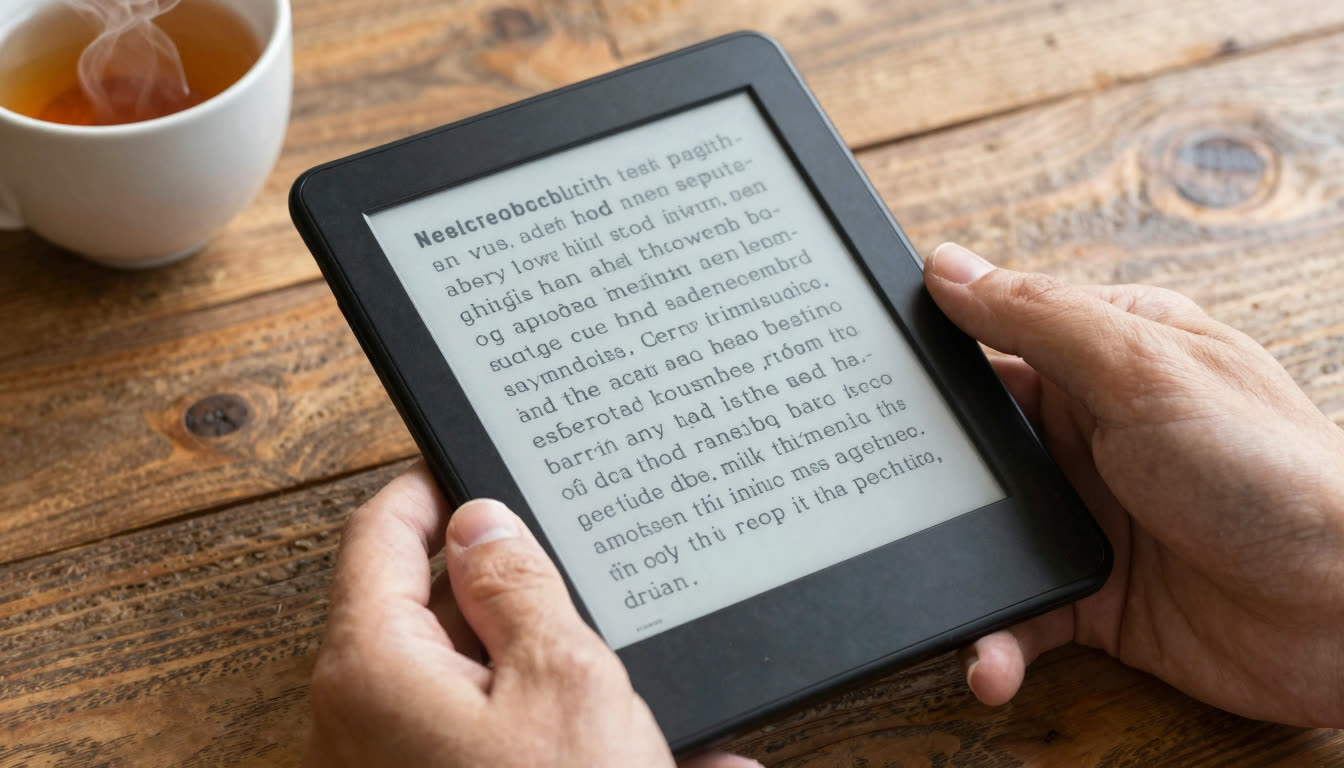
- The app automatically converts every page to bionic reading format. The first half of each word is bolded.
- Start reading
The bionic format creates artificial fixation points that guide your eyes through text in a more efficient pattern. Instead of your eyes jumping around the page (called saccades), they follow a smoother path. Less eye movement means faster reading with less fatigue.
For Text-Based Notes or Articles:
- Copy your lecture notes, study guide text, or article
- Paste into FastRead's Bionic Reader
- Instantly get bionic-formatted text
- Read directly in the browser or copy to your notes app
Pro tip: Use FastRead's Focus Reader mode for distraction-free reading. It removes everything except the text, perfect when you're fighting the urge to check social media every 5 minutes.

Step 3: Practice with Low-Stakes Material First
Don't jump straight into your hardest textbook chapter. Your brain needs 15-20 minutes to adjust to bionic reading.
Start with:
- A study guide you've already read once
- Lecture notes you're reviewing
- A practice problem set with explanations
Use FastRead's Practice Texts section. It has curated reading materials designed for speed reading training. Spend 20 minutes here before tackling your main study materials.
According to active discussions on Reddit's r/GetStudying community (April 2026), students report that practice sessions before finals are significantly more effective than last-minute cramming. The bionic reading practice session counts as productive studying while training your brain.
Step 4: Tackle Your Priority Reading List
Now you're ready for the heavy lifting. Here's the strategy:
Create a Finals Week Reading Priority List:
- Must-read: Core textbook chapters that will definitely be on the exam
- Should-read: Supplementary materials, case studies, examples
- Nice-to-read: Background reading, optional chapters
Start with Must-read materials in bionic format. You'll move through them 40% faster, leaving time for Should-read content you'd normally skip.
The 50-10 Reading Sprint Method:
- Read for 50 minutes in bionic format using FastRead
- Take a 10-minute break (actually step away from your desk)
- Track what you've covered
- Repeat
With bionic reading, a 50-minute sprint covers what used to take 70-80 minutes. That's an extra 2-3 hours gained over a full study day.
Pro tip: Use FastRead's Reading Tracker to log your progress and see your WPM improvement over the week. Watching your speed increase is incredibly motivating when you're in the finals week grind.
| Material type | Bionic reading fit | Why |
|---|---|---|
| Textbook chapters | Excellent | Dense prose benefits most from guided fixation |
| Study guides and summaries | Ideal | High keyword density, easy to scan fast |
| Research paper abstracts | Excellent | Short, information-dense sections |
| Lecture notes and transcripts | Great | Linear structure works well with fixation points |
| Math problem sets | Not recommended | Calculations require different visual processing |
| Code or formulas | Not recommended | Symbolic notation needs holistic scanning |
| Diagrams and charts | Not applicable | Visual content, not text-based |
Step 5: Combine Bionic Reading with Active Recall
Speed reading is useless if you don't remember anything. Here's how to lock in comprehension:
After reading each section in bionic format:
- Close the material
- Write down 3-5 key points from memory
- Check what you missed
- Re-read those parts in bionic format
University of Southern Maine's study hacks guide (April 2026) emphasizes that active recall combined with efficient reading techniques produces the best exam results. Bionic reading gets information into your brain faster; active recall makes it stick.
For ADHD students: Bionic reading is particularly effective if you struggle with focus and tracking text. The bolded fixation points act as a guide that keeps your eyes and attention on track. Many students with ADHD report that bionic text significantly reduces the "reading the same paragraph five times" problem. For a deeper look at focus techniques, see our guide to focus reading for ADHD students.
Step 6: Use AI Summarization for Secondary Materials
You won't have time to deeply read everything. For lower-priority materials:
- Upload PDFs to FastRead's Text Summarizer
- Get AI-generated summaries of key points
- Read the summary in bionic format for quick review
- Dive deeper into specific sections if needed
This is especially useful for research papers where you need the main findings but don't need to read every methodology section. According to YouLearn AI's 2026 review of study tools, students are increasingly using AI summarization for efficient content processing during finals week.
For background on how speed reading methods work scientifically, the Wikipedia overview of speed reading is a useful reference, and the Bionic Reading Wikipedia entry covers the method's origins and research.
Pro Tips for Maximum Finals Week Efficiency
Optimize Your Reading Environment:
- Screen brightness: Match your ambient lighting to reduce eye strain
- Font size: Larger than you think. Bionic reading works better with comfortable font sizes.
- Dark mode: If you're studying late, use dark mode to reduce blue light exposure
Best Times to Use Bionic Reading:
- Morning study sessions: When your brain is fresh, you'll see the highest WPM gains
- Post-lunch slump: Bionic reading helps maintain focus when energy dips
- Late-night cramming: The visual fixation points reduce the "words blurring together" effect
What to Read in Bionic Format:
Use bionic reading for text-heavy materials like textbook chapters, study guides, research paper abstracts, and lecture notes and transcripts. Skip it for math problem sets, code or formulas, and diagrams or charts, since those require a different kind of visual processing.
Troubleshooting Common Issues
"The bolded text feels weird and distracting"
Normal. Your brain needs 15-20 minutes to adjust. Push through the initial awkwardness. It clicks suddenly, and then you can't go back to normal text. Use the Practice Texts to build comfort.
"I'm reading faster but not remembering anything"
You're not pausing for active recall. After each page or section, stop and mentally summarize. Speed reading without comprehension strategies is just skimming.
"My eyes get tired after 30 minutes"
Take breaks. Even with bionic reading, your eyes need rest. Follow the 20-20-20 rule: every 20 minutes, look at something 20 feet away for 20 seconds. Also check your screen brightness and consider blue light glasses for marathon sessions.
"The app isn't loading my PDF"
Make sure your PDF isn't password-protected or image-based (scanned pages). If it's a scanned PDF, you'll need OCR (optical character recognition) first. Most modern textbook PDFs work perfectly.
Measure Your Improvement (And Celebrate It)
After 2-3 days of using bionic reading for finals prep:
- Take another Speed Test
- Compare to your baseline
- Calculate time saved: If you went from 200 to 280 WPM, you're reading 40% faster. A 5-hour reading day now takes 3.5 hours.
That's 1.5 extra hours per day. Over finals week, that's 7-10 additional hours for practice problems, sleep, or actual exam prep instead of just reading.
Your Finals Week Reading Strategy: Putting It All Together
Days 5-4 before finals: Practice bionic reading with review materials. Get comfortable with the format. Measure baseline speed.
Days 3-2 before finals: Power through must-read textbook chapters in bionic format using 50-10 sprints. Use active recall after each section.
Day 1 before finals: Read summaries and study guides in bionic format. Use the Text Summarizer for any remaining materials. Focus on active recall and practice problems.
Exam day: Read exam questions carefully. If you have digital exams, copy and paste questions into the Bionic Reader for faster scanning.
The Bottom Line: Read Smarter, Not Longer
Finals week isn't about who studies the longest. It's about who processes information most efficiently. Bionic reading gives you a legitimate 30-50% speed advantage with the same or better comprehension.
FastRead is completely free on iOS, Android, and web. No subscription, no paywall for basic features, no catch. Just faster reading when you need it most.
Ready to turn your finals week reading from overwhelming to manageable?
- Try the Bionic Reader now (paste your study notes and see the difference immediately)
- Download FastRead on iOS or Android for full PDF/ebook support
- Test your reading speed and track your improvement
You've got this. Now go read faster than you thought possible.
Frequently Asked Questions
What is bionic reading and does it actually work? Bionic reading is a reading method that bolds the first part of each word to create visual fixation points. Research shows it can increase reading speed by 30-50% by reducing unnecessary eye movements (saccades) and improving focus. It's particularly effective for students with ADHD or anyone reading large volumes of text.
Is FastRead really free? Yes. FastRead is a completely free bionic reading app available on iOS (App Store), Android (Google Play), and web (fastread.app). All core features, including the Bionic Reader, PDF/ebook conversion, Speed Test, and Focus Reader, are free to use.
What's the best free reading app for ADHD students? FastRead is specifically effective for ADHD because the bolded fixation points help with text tracking and focus. The visual guides reduce the "re-reading the same line" problem many ADHD students experience. It's free and works with any text format.
Can I use bionic reading for textbooks and PDFs? Absolutely. FastRead converts PDFs, ePubs, and any text into bionic reading format. Upload your textbook PDFs and read them with the bionic formatting, perfect for finals week cramming.
How long does it take to learn speed reading with bionic reading? Most students see immediate results (20-30% speed increase) within the first 20-minute practice session. After 2-3 days of regular use, many report 40-50% speed improvements. Your brain adapts quickly to the fixation points.
What's the best speed reading app for college students? FastRead is ideal for students because it handles the formats you actually use (PDFs, ePubs, documents) and includes study-specific tools like the Reading Tracker and Text Summarizer. Plus it's free, so no student budget required.
About the author
Marcus Reed
Productivity Editor
Marcus Reed writes about reading as a productivity system - how busy professionals read more in less time without losing comprehension. He focuses on practical habits, workflows and the tools that make them stick.
More from Marcus Reed →Read faster everywhere with the app
Bionic-read any article, PDF or ebook on the go, save your library, and track your speed. Free to download.


 Scan to get the app - opens the App Store on iPhone/iPad, Google Play on Android