
Reading Tech This Week: Speechify Hits 4.5x Speed, Amazon Sunsets 13 Kindles, and What Executives Need to Know

Daniel Cho
Reading Tech Analyst
Reading Tech This Week: Speechify Hits 4.5x Speed, Amazon Sunsets 13 Kindles, and What Executives Need to Know
This week in reading tech was wild. Speechify dropped a major update pushing text-to-speech to 4.5x speed, Amazon decided to brick 13 older Kindle models, and the conversation around sustainable digital reading is heating up. If you're someone who processes mountains of text daily, such as reports, emails, research papers, and ebooks, these developments matter more than you think.
Let's break down what happened, why it's significant, and how it affects your reading workflow.
What's in this article
- Speechify's 4.5x speed update
- Amazon kills 13 Kindle models
- The sustainability question
- Chrome's vertical tabs and TTS hack
- The week at a glance
- What this means for you
The Week at a Glance
Here is a quick rundown of the three big stories and what each one means for everyday readers.
| What changed | Who it affects | What to do |
|---|---|---|
| Speechify hit 4.5x text-to-speech speed | Auditory learners, commuters, professionals | Use TTS for multitasking; pair with bionic reading for deep work |
| Amazon cut 13 older Kindle models from the store | Owners of 2012-era e-readers | Export notes, download DRM-free files, move to open-format apps |
| Sustainability debate over owning digital books | Students, researchers, long-term library builders | Favor open formats (PDF, ePub) and cross-platform tools |
Speechify's April 10 Update: Text-to-Speech Now Reads at 4.5x Speed
On April 10, 2026, Speechify released version 13.7.0 of its Chrome extension, and the headline feature is impressive: text-to-speech that can hit 4.5x normal reading speed. The update supports over 1,000 natural-sounding voices across 60+ languages, voice typing, and AI-powered querying that can generate summaries or quizzes from your documents.
For executives and professionals drowning in email, this is a game-changer. Imagine listening to a 50-page report during your commute at 3x speed and still catching the key points. Speechify is positioning itself as the best ADHD reading app alternative for auditory learners, people who absorb information better by hearing rather than seeing.
Why this matters: Text-to-speech and visual speed reading (like bionic reading) are two different approaches to the same problem: information overload. TTS works great for multitasking, since you can "read" while driving, exercising, or cooking. But it's passive. You can't skim, you can't jump around, and you're locked into linear consumption.
That's where visual speed reading tools like FastRead's Bionic Reader shine. Bionic reading bolds the first half of each word, creating fixation points that let your eyes move faster through text while maintaining active engagement. You control the pace, you can skim sections, and your comprehension often improves because your brain is actively processing rather than passively listening.
For professionals who need to read faster through contracts, reports, and dense documentation, combining both approaches is powerful: use Speechify for long-form audio consumption during commutes, and use bionic reading for focused, deep-work reading sessions where you need to retain details.
Amazon Kills 13 Kindle Models: What Happens to Your Library?
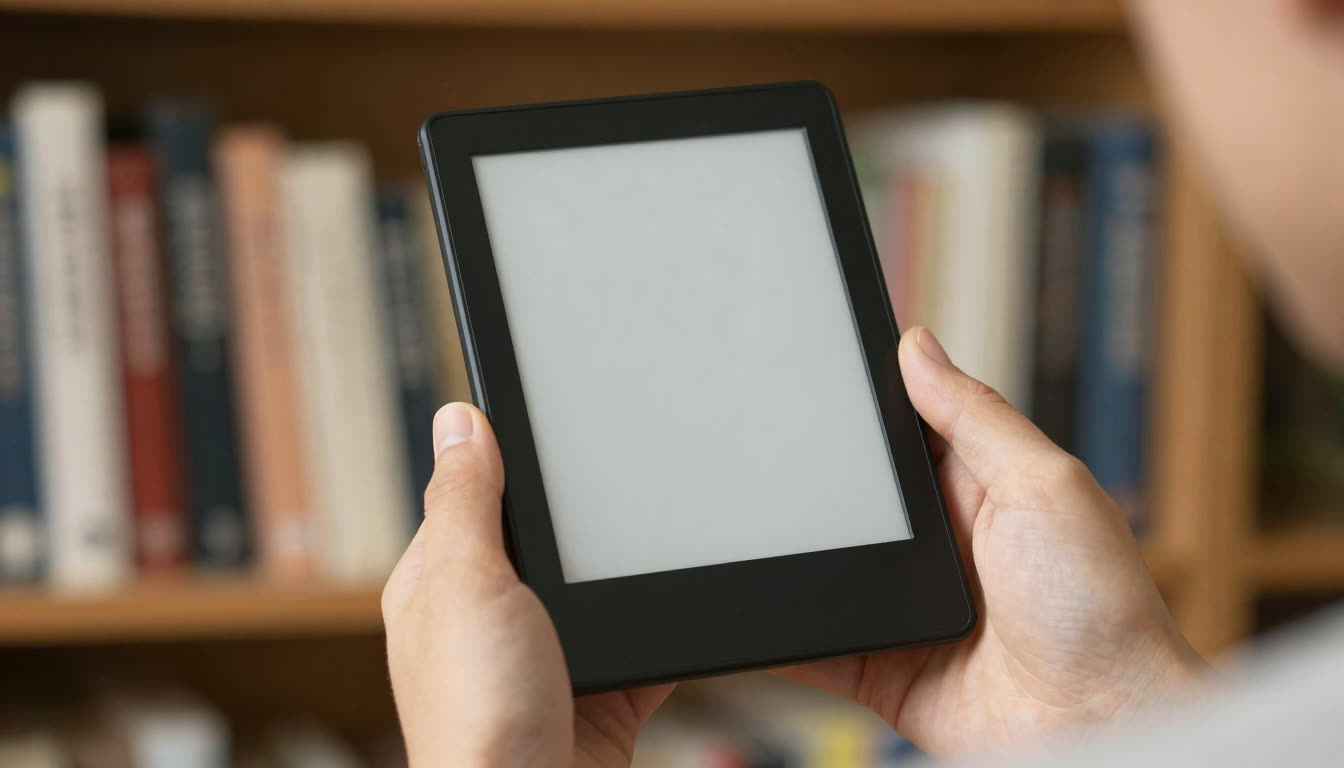
On April 8, 2026, Amazon dropped a bombshell: 13 Kindle devices released in 2012 or earlier will lose access to the Kindle Store starting May 20, 2026. That means no new book purchases, no borrowing from Kindle Unlimited, and no downloading new content.
The affected devices include the Kindle Keyboard (3rd gen), Kindle Touch (4th gen), Kindle Paperwhite (5th gen), and several Fire tablets from the early 2010s. Your existing library will still be readable on those devices, but if you factory reset or deregister your Kindle after the deadline, you're out of luck.
Why this matters: This is a stark reminder that digital reading ecosystems are fragile. You don't really "own" your ebooks, you're licensing them through Amazon's infrastructure. When Amazon decides your hardware is obsolete, your access changes.
This is why having a free ebook reader app that works across platforms is crucial. FastRead is available on iOS, Android, and web, and it supports PDFs and ePubs, formats you actually own. You can load your own files, convert them to bionic reading format, and read them at your own pace without worrying about platform lock-in.
If you're one of the millions affected by this Kindle sunset, now's the time to diversify. Export your notes, download your DRM-free ebooks, and consider using a best book reader app that gives you more control. FastRead's Focus Reader offers a distraction-free reading experience with bionic text that can increase your reading speed by up to 50%.
The Sustainability Question: What Does "Owning" Digital Books Really Mean?
Amazon's decision to end support for older Kindles sparked a broader conversation about digital reading sustainability. Tech publications like TechCrunch covered the story with a critical lens: when you buy a Kindle, you're buying into a closed ecosystem that Amazon controls.
Compare this to the open web approach. FastRead works with any PDF, ePub, or text file. You can use it on your iPhone today and your Android tablet tomorrow. There's no vendor lock-in, no subscription required for core features, and no risk that your reading library will become inaccessible because a company decided your device is too old.
Why this matters for students and researchers: If you're building a personal research library, such as PDFs of academic papers, textbooks, and annotated documents, you need tools that will work five years from now. A reading productivity app that supports open formats and works across platforms is an investment in your future workflow.
FastRead's Bionic Reader converts any text instantly, and you can use our Reading Tracker to monitor your progress and WPM improvement over time. These tools are designed to work with your content, not trap it in a proprietary ecosystem.
Chrome's Vertical Tabs and TTS: A Productivity Hack for Email Overload
Here's a niche but powerful workflow tip that's been circulating in productivity circles: pairing Chrome's vertical tabs feature with text-to-speech tools like Speechify to process email backlogs faster.
The idea: instead of horizontal tabs that get overwhelming, use vertical tabs to stack your open emails, reports, and documents. Then use Speechify's TTS at 2-3x speed to audibly scan through each one while you triage visually.
It's clever, but it's also exhausting. Listening to hours of sped-up speech can be cognitively draining. That's why alternating between auditory and visual reading methods is smarter.
A better approach: Use bionic reading for your high-priority, deep-focus reading. When you need to process a critical contract or research paper, open it in FastRead's Focus Reader and let the bionic formatting guide your eyes through the text faster. Save TTS for lower-priority content you can consume while multitasking.
If you're curious how fast you currently read, try our Speed Test to measure your baseline WPM, then test again after reading in bionic format. Most users see a 30-50% improvement immediately.
What This Means for You: Take Control of Your Reading Workflow
This week's news boils down to one theme: you need to own your reading workflow. Relying on a single platform or device is risky. Relying on passive consumption methods like TTS alone is limiting. The most effective readers combine multiple tools and approaches.
Here's what you should do right now:
-
Audit your digital library. If you're using an older Kindle, export your highlights and notes. Download DRM-free copies of books you own. Consider switching to a best free reading app like FastRead that supports open formats.
-
Test bionic reading. Head to FastRead's Bionic Reader and paste in an article or document you need to read. See how much faster your eyes move through the text with those visual fixation points. It's free, no sign-up required.
-
Measure your progress. Use our Speed Test to get a baseline WPM, then practice with bionic text using our Practice Texts. Track your improvement over time with the Reading Tracker.
-
Diversify your tools. Use TTS for commutes and workouts. Use bionic reading for focused study sessions and deep work. Use summarization tools like our Text Summarizer to triage long documents before diving in.
-
Go mobile. Download FastRead for iOS, Android, or web, then read ebooks, PDFs, and documents in bionic format anywhere.
For a deeper look at where this is all heading, see our take on why bionic reading may replace AI summarizers for long documents.
The reading tech landscape is evolving fast. Speechify is pushing TTS speeds higher, Amazon is consolidating its ecosystem, and open-format tools are becoming more important than ever. The question isn't whether you should adapt, it's how quickly you can take control of your reading workflow before the next big platform change.
Ready to read faster? Try FastRead's Bionic Reader right now, with no download, no sign-up, completely free. Or grab the app for iOS or Android and start reading your ebooks and PDFs in bionic format today. Because the best speed reading app is the one that works with your content, on your terms, at your pace.
About the author
Daniel Cho
Reading Tech Analyst
Daniel Cho covers reading technology for FastRead - how bionic reading, RSVP and speed-reading tools actually work, and how they compare. He tests reading apps and browser tools hands-on and writes the deep-dives that cut through the hype.
More from Daniel Cho →Read faster everywhere with the app
Bionic-read any article, PDF or ebook on the go, save your library, and track your speed. Free to download.


 Scan to get the app - opens the App Store on iPhone/iPad, Google Play on Android