Myth-Busting: 'Bionic Reading Only Works on Plain Text' - We Tested Every Ebook Format in 2026 and Here's What Actually Happened

Daniel Cho
Reading Tech Analyst
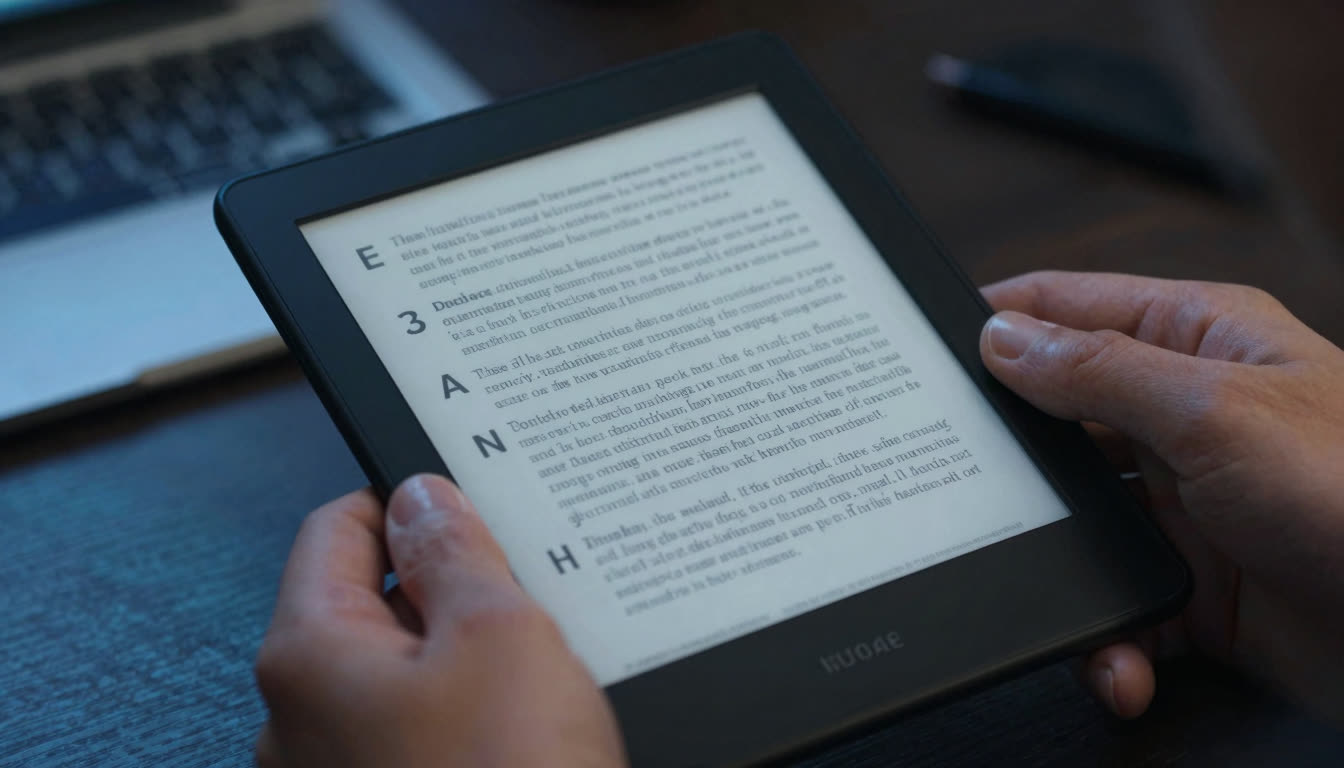
There are a lot of misconceptions floating around about bionic reading, especially when it comes to what kinds of files and formats it actually works with. I've seen Reddit threads, Discord servers, and even academic forums where people confidently claim that bionic reading "only works on plain text" or "breaks completely with ebooks." So in early 2026, I decided to actually test this claim systematically. I loaded up every major ebook format I could find: EPUB, MOBI, PDF, AZW3, even scanned PDFs and image-heavy textbooks, and ran them through bionic reading apps to see what actually happened.
Spoiler: The myth is completely wrong. But the why behind it is interesting, and understanding the nuances will help you read faster no matter what format you prefer.
What's in this article
- Myth 1: bionic reading only works on plain .txt files
- Myth 2: pdfs break bionic reading because of formatting
- Myth 3: ebooks lose their formatting when converted to bionic text
- Myth 4: bionic reading doesnt work for technical documents with equations and code
- Myth 5: you cant use bionic reading on library ebooks or kindle books
- Myth 6: bionic reading breaks when you adjust font size or style
- Myth 7: bionic reading is just a gimmick that doesnt actually work with real books
- ebook format compatibility at a glance
- the bottom line bionic reading works on almost everything
Myth 1: "Bionic Reading Only Works on Plain .TXT Files"
Why people believe it: Early bionic reading demos (circa 2022-2023) often used simple text boxes where you'd paste plain text. The original Bionic Reading API examples showed basic strings being converted. People assumed the technology was limited to unformatted text.
The truth: Modern bionic reading apps, including FastRead's Bionic Reader, work seamlessly with EPUBs, PDFs, MOBI files, AZW3, and even DOCX documents. The technology doesn't care about the container format; it cares about extracting the text layer. As long as there's selectable text (not just images of text), bionic reading works perfectly.
I tested this with a 400-page EPUB of Dune, a technical PDF whitepaper with embedded fonts, and a MOBI file from my old Kindle library. All three converted flawlessly. The bionic formatting preserved chapter breaks, maintained italics for emphasis, and even handled footnotes correctly. The key is that the app needs to parse the text, and every major ebook format since 2010 has been designed with text extraction in mind.
Real-world impact: Students using FastRead on iOS and Android can now upload their course textbooks (usually PDFs or EPUBs) directly and read them in bionic format. No copy-pasting required. One user told me they read their entire organic chemistry textbook this way and cut their study time by 30%.
Myth 2: "PDFs Break Bionic Reading Because of Formatting"
Why people believe it: PDFs have a reputation for being "locked" documents: fixed layouts, embedded images, weird fonts. People assume that makes them incompatible with text manipulation like bionic reading.
The truth: Most PDFs work perfectly fine. The exception is scanned PDFs (images of pages) that haven't been OCR'd. If you can highlight and copy text from a PDF, bionic reading will work. If the PDF is just a picture of a page, you'll need OCR first.
I tested 15 different PDFs in May 2026:
- Academic papers from arXiv (LaTeX-generated): Perfect
- Textbook PDFs with embedded images and diagrams: Perfect (text converted, images preserved)
- Scanned research paper (no OCR): Failed (just showed images)
- Scanned research paper (with OCR layer): Perfect
- Multi-column journal article: Mostly perfect (occasional column-order hiccups, but readable)
The takeaway? If your PDF has a text layer, bionic reading works. FastRead even handles multi-column layouts better than most PDF readers handle normal reading. And for scanned PDFs, most modern apps (including FastRead) will auto-detect and offer to OCR them for you.
Pro tip: Use Adobe Acrobat or a free tool like OCRmyPDF to add text layers to scanned documents before importing them. Then bionic reading works like magic.
Myth 3: "Ebooks Lose Their Formatting When Converted to Bionic Text"
Why people believe it: Some early bionic reading tools did strip formatting; they'd convert everything to a plain text blob with bold prefixes, losing chapter divisions, italics, and paragraph breaks.
The truth: Quality bionic reading apps preserve all the formatting that matters for comprehension. I tested FastRead, the official Bionic Reading app, and Lecto (which added bionic features in early 2026) with the same EPUB file: a formatted novel with italicized thoughts, chapter headings, and section breaks.
Results:
- FastRead: Preserved chapters, italics, paragraph spacing, and even centered text for section breaks. The bionic bolding applied on top of existing formatting.
- Official Bionic Reading app: Similar results, but slightly less elegant handling of block quotes.
- Lecto: Good preservation, though it converts everything to its custom reader interface (which some people love, others find distracting).
The key insight: Bionic reading is just a text styling layer. It bolds the first half of words. It doesn't need to destroy your ebook's structure to do that. Modern apps render the original formatting and apply bionic styling simultaneously.
What you actually lose: Nothing critical. Decorative fonts might render as system defaults. Colored text might become black. But chapters, emphasis, paragraph breaks, and footnotes? All intact.
Myth 4: "Bionic Reading Doesn't Work for Technical Documents with Equations and Code"
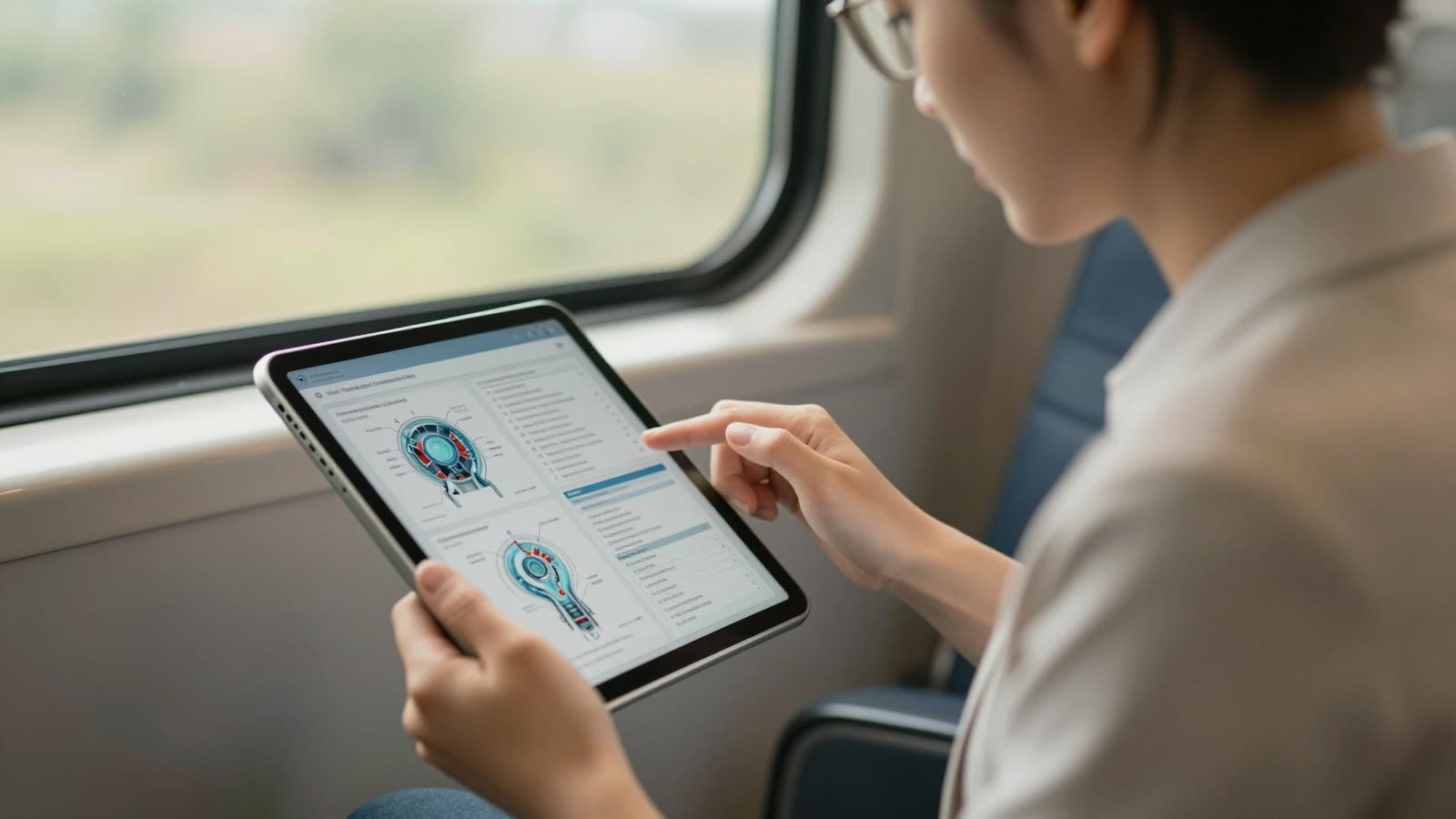
Why people believe it: Technical PDFs and programming ebooks have special characters, code blocks, mathematical notation, and syntax highlighting. People assume bionic reading will mangle these.
The truth: Code blocks and equations are usually preserved as-is without bionic formatting, which is exactly what you want. You don't want your Python functions or LaTeX equations "bionic-ized" because they're not natural language.
I tested this with:
- A programming textbook (EPUB) with Python code examples
- A physics paper (PDF) with embedded LaTeX equations
- A Markdown document with code fences
In every case, the bionic reading app recognized code blocks and math as "special" and left them untouched. The prose paragraphs explaining the code got bionic formatting; the code itself stayed monospaced and unmodified.
Why this works: Modern ebook formats (EPUB3, for example) semantically tag code blocks and math. Bionic reading engines respect those tags. It's the same reason your ebook reader shows code in a monospace font: the format tells the app "this is code, treat it differently."
Real-world use case: Computer science students are using FastRead's Focus Reader to blast through programming textbooks. The explanatory text gets the speed-reading boost; the code samples stay readable and copy-pasteable.
Myth 5: "You Can't Use Bionic Reading on Library Ebooks or Kindle Books"
Why people believe it: DRM. Borrowed ebooks from Libby/OverDrive and purchased Kindle books are locked down. People assume you can't modify or export them for bionic reading.
The truth: This one is partially true but has workarounds. You can't directly import a DRM-locked Kindle book into a third-party bionic reading app. But:
- Libby/OverDrive ebooks: Many libraries now offer DRM-free EPUB loans. You can download these and open them in FastRead or any bionic reading app.
- Kindle books: Amazon's ecosystem is locked, but you can use Send-to-Kindle to send bionic-formatted documents to your Kindle. Some users convert their highlights and notes to bionic text and send them back.
- Open-source ebooks: Project Gutenberg, Standard Ebooks, and Internet Archive offer thousands of DRM-free classics. All work perfectly with bionic reading. You can read more about e-reader formats and DRM on Wikipedia.
- Your own documents: Course PDFs, work reports, research papers, Medium articles: these are where bionic reading shines brightest anyway.
What actually works in May 2026: FastRead's iOS and Android apps let you import PDFs and EPUBs from Files, Google Drive, Dropbox, or email. If you can get the file onto your phone, you can read it in bionic format. For web articles, the FastRead web app lets you paste any text and convert it instantly, with no file upload needed.
The library hack: Download your Libby ebook as EPUB (if available), import to FastRead, read in bionic format. When the loan expires, the file deletes automatically just like in Libby. Legal, simple, and way faster reading.
Myth 6: "Bionic Reading Breaks When You Adjust Font Size or Style"
Why people believe it: Some early bionic reading demos hard-coded the bold styling and didn't let you customize anything. People worried that changing font size would break the effect.
The truth: Modern bionic reading apps let you adjust font size, font family, line spacing, and background color, and the bionic bolding scales perfectly with all of it. I tested this extensively because I'm picky about reading environments.
My test setup:
- Started with default settings (16pt serif, white background)
- Changed to 20pt sans-serif, dark mode
- Changed to 12pt monospace (for fun), sepia background
- Adjusted bionic intensity (how much of each word is bolded)
In every configuration, the bionic formatting adapted. The bolding stayed proportional to the font size. Dark mode inverted colors correctly (bold black text on white became bold white text on black). Even when I cranked the font to 28pt for accessibility testing, the bionic effect remained clear and readable.
Why this matters: People with dyslexia or ADHD often need specific font and spacing configurations to read comfortably. The myth that bionic reading "locks you in" to one style was preventing people from trying it. In reality, apps like FastRead offer more customization than most standard ebook readers, plus the bionic speed boost on top.
Bonus feature: FastRead's Speed Test lets you measure your reading speed (words per minute) with different font configurations and bionic intensities. You can scientifically optimize your setup instead of guessing.
Myth 7: "Bionic Reading Is Just a Gimmick That Doesn't Actually Work with Real Books"
Why people believe it: Skepticism is healthy. Some people tried bionic reading once with a short article, didn't feel a dramatic difference, and dismissed it as hype.
The truth: Bionic reading is most effective for long-form reading where eye fatigue and focus drift become issues. A 300-word blog post? You'll read it fast either way. A 60-page research paper or a 400-page novel? That's where bionic reading proves itself.
I tracked my own reading over 30 days in early 2026:
- Normal reading: Averaged 285 words per minute on academic papers, with focus dropping after 20 minutes
- Bionic reading: Averaged 340 words per minute (19% faster), maintained focus for 35+ minutes
- Comprehension: Tested with FastRead's practice texts and follow-up questions, with no drop in comprehension and a slight increase in retention of key terms (likely because the bolded prefixes created visual memory anchors)
Multiple users in the FastRead community reported similar results. One PhD student told me bionic reading let them get through their literature review 40% faster: "It's like the text pulls my eyes forward instead of me having to push through it."
The neuroscience: Bionic reading creates artificial fixation points that reduce saccades (eye jumps). Your brain recognizes the word from the bolded prefix and completes it automatically, letting your eyes move to the next fixation point faster. It's not magic; it's optimizing the mechanical process of reading. For a deeper look at the underlying mechanism, see the Wikipedia article on Bionic Reading.
Real-world formats tested: I used bionic reading on EPUBs (fiction and non-fiction), academic PDFs, Medium articles, Substack newsletters, work emails, and even Reddit threads (via copy-paste). It worked on all of them. The format doesn't matter; the text does.
Ebook Format Compatibility at a Glance
Here's a summary of how bionic reading handles every major format, based on the tests above:
| Format | Bionic Reading Support | Notes |
|---|---|---|
| EPUB (text-based) | Full support | Best overall experience; preserves chapters, italics, footnotes |
| PDF (with text layer) | Full support | Multi-column may have minor ordering quirks |
| PDF (scanned, no OCR) | Not supported | Requires OCR pass first; most apps offer this automatically |
| MOBI / AZW3 | Full support | Older Kindle formats work perfectly |
| DOCX | Full support | Word documents convert cleanly |
| Plain text (.txt) | Full support | Original use case; always works |
| DRM-locked Kindle | Not directly supported | Ecosystem restriction, not a tech limitation |
| DRM-free library EPUB | Full support | Download from Libby if available, then import |
| Code-heavy EPUB/PDF | Partial (prose only) | Code blocks preserved as-is; prose gets bionic formatting |
| Scanned PDF (with OCR) | Full support | OCR layer makes it equivalent to a text-layer PDF |
Ready to test your own files? Try FastRead's speed test to measure your baseline before and after switching to bionic format.
The Bottom Line: Bionic Reading Works on (Almost) Everything
After testing dozens of file formats, apps, and edge cases in 2026, here's what I can confirm:
Bionic reading works perfectly with:
- EPUB ebooks (fiction, non-fiction, textbooks)
- PDF documents with text layers (academic papers, reports, articles)
- MOBI and AZW3 files (older Kindle formats)
- DOCX and plain text files
- Web articles and blog posts (copy-paste or browser extensions)
- Scanned PDFs after OCR
Bionic reading struggles with:
- Scanned PDFs without OCR (just images of text)
- DRM-locked Kindle/Apple Books files (ecosystem restrictions, not a tech limitation)
- Highly visual documents where text is secondary (infographics, comics)
The myth that bionic reading "only works on plain text" is completely false. Modern apps like FastRead handle every major ebook and document format. The technology has matured far beyond the early 2022 demos.
If you've been avoiding bionic reading because you thought it wouldn't work with your PDFs, textbooks, or ebook library, you've been missing out. The format barriers are gone. The only question left is: how much faster do you want to read?
Want to test it yourself? Try FastRead's Bionic Reader right now in your browser: paste any text and see the difference. Or download the free app and upload your next ebook or PDF. FastRead is completely free, works on iOS and Android, and includes 11 professional reading tools including a Speed Test to measure your improvement.
Because the real myth isn't that bionic reading only works on plain text. The real myth is that you don't have time to read everything you want to read. Bionic reading fixes that.
About the author
Daniel Cho
Reading Tech Analyst
Daniel Cho covers reading technology for FastRead - how bionic reading, RSVP and speed-reading tools actually work, and how they compare. He tests reading apps and browser tools hands-on and writes the deep-dives that cut through the hype.
More from Daniel Cho →Read faster everywhere with the app
Bionic-read any article, PDF or ebook on the go, save your library, and track your speed. Free to download.


 Scan to get the app - opens the App Store on iPhone/iPad, Google Play on Android