FastRead vs SwiftRead: Why a Full Mobile App Beats a Browser Extension for Reading PDFs and Ebooks in 2026

Daniel Cho
Reading Tech Analyst
If you're trying to choose between FastRead and SwiftRead for faster reading in 2026, you're looking at two fundamentally different approaches to the same problem. SwiftRead is a browser extension that applies bionic reading to web content. FastRead is a full-featured mobile and web app that handles ebooks, PDFs, documents, and basically anything you need to read.
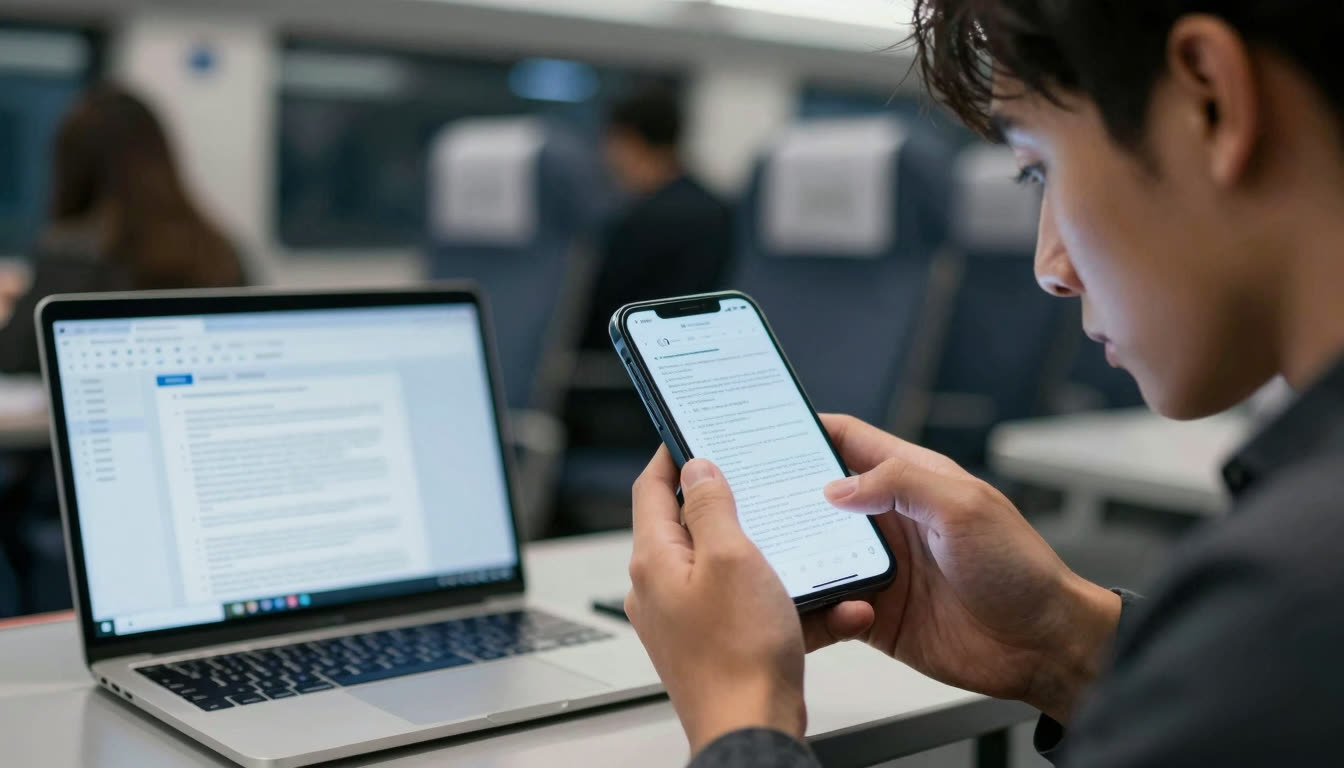
Here's the thing: browser extensions are great for casual web browsing, but they fall apart when you're trying to read a 300-page PDF textbook, an entire ebook, or research papers on your phone during your commute. That's where the difference between a browser extension and a dedicated reading app becomes obvious.
Let's break down exactly what you get with each option, so you can make an informed choice based on how you actually read.
What's in this article
- The Browser Extension vs. Mobile App Showdown
- Quick Comparison: FastRead vs SwiftRead
- The Fundamental Difference: Where You Actually Read
- Feature Breakdown: What You Actually Get
- Price: What You Pay for What You Get
- Use Cases: Which Should You Choose?
- The Verdict: Mobile-First Wins in 2026
- What About the New Competition?
- Try It Yourself
The Browser Extension vs. Mobile App Showdown
SwiftRead is a browser extension that applies bionic reading to web content. FastRead is a full-featured mobile and web app that handles ebooks, PDFs, documents, and basically anything you need to read.
The core question is not which tool applies bionic formatting better. It's whether your reading happens inside a desktop browser, or whether you need something that travels with you, handles any file format, and works offline. That distinction determines which tool actually fits your life.
Quick Comparison: FastRead vs SwiftRead
| Feature | FastRead | SwiftRead |
|---|---|---|
| Platform | iOS, Android, Web | Chrome/Edge extension only |
| Bionic Reading | Full bionic text conversion | Web content only |
| PDF Support | Native PDF reader | Limited, requires workarounds |
| Ebook Support | ePub, MOBI, and more | Not supported |
| Mobile Reading | Dedicated iOS and Android apps | Desktop browser only |
| Offline Reading | Download and read anywhere | Requires internet |
| Speed Test Tool | Built-in WPM tracker | Not available |
| Focus Mode | Distraction-free reader | Basic |
| Reading Tracker | Progress tracking | Not available |
| Text Summarizer | AI-powered | Not available |
| Price | 100% Free | Free with limitations |
| Best For | Students, researchers, book readers | Casual web article readers |
The Fundamental Difference: Where You Actually Read
SwiftRead solves one specific problem: making web articles easier to read in your browser. That's useful if you're scrolling through Medium posts or news sites at your desk. But here's what it does not do:
- Can't handle your textbooks. Got a 400-page PDF for your biology class? SwiftRead isn't designed for that.
- No mobile reading. Most people do serious reading on their phones now, on the train, in bed, during lunch breaks. A Chrome extension doesn't help you there.
- No ebook library. If you're reading novels, non-fiction books, or downloaded research papers, you need an actual ebook reader.
- Limited offline access. Browser extensions need the browser. FastRead lets you download content and read anywhere.
FastRead, on the other hand, is built as a dedicated bionic reading app from the ground up. It's designed for the way people actually consume long-form content in 2026: on multiple devices, across different formats, often offline.
Feature Breakdown: What You Actually Get
Bionic Reading Quality
Both apps use bionic reading, the method of bolding the first half of each word to create fixation points that guide your eyes faster through text. For a deeper look at what the research says about this technique, see Wikipedia's overview of Bionic Reading.
The difference is in the implementation:
SwiftRead applies bionic formatting to whatever's on your browser screen. It works well for clean web articles, but struggles with complex layouts, embedded content, or anything that isn't standard text.
FastRead gives you precise control over bionic intensity and applies it consistently across PDFs, ebooks, and documents. You can adjust the bolding percentage, change fonts, and customize the reading experience for different types of content. Try it yourself with our Bionic Reader to see the difference.
Document Support: The Real Dealbreaker
This is where SwiftRead simply can't compete. As a browser extension, it's limited to web content. FastRead handles:
- PDFs (textbooks, research papers, reports, contracts)
- ePub files (most ebooks)
- MOBI files (Kindle format)
- Plain text documents
- Web articles (via the web app)
- Pasted text (emails, messages, anything)
For students reading academic PDFs, professionals reviewing documents, or researchers scanning papers, this isn't a nice-to-have, it's essential. You can't seriously use a browser extension to read a 50-page research paper.
Mobile Experience: Reading Where You Actually Are
Here's a reality check: according to recent data, over 60% of reading now happens on mobile devices. People read ebooks on their phones during commutes, review PDFs on tablets in meetings, and catch up on articles in bed.
SwiftRead is a desktop browser extension. Period. If you want to read on your iPhone or Android phone, you're out of luck.
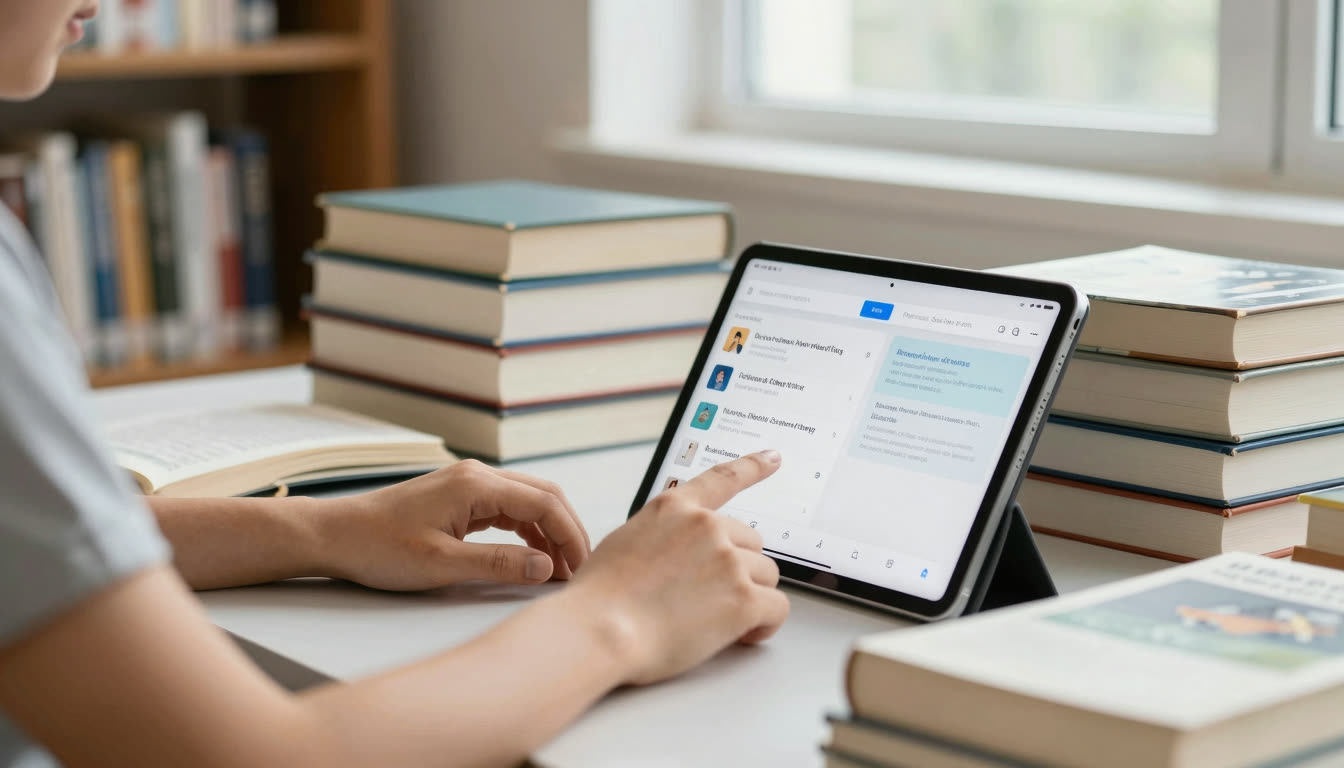
FastRead has native apps for both iOS (download from the App Store) and Android (available on Google Play), plus a full web app at fastread.app. Your reading syncs across devices. Start a book on your phone, continue on your tablet, finish on your laptop.
This matters especially for students and professionals who need flexibility. You can't always be at your computer when you need to read something.
Speed Reading Tools: Beyond Just Bionic Text
SwiftRead does one thing: applies bionic formatting to text. That's it.
FastRead includes 11 professional reading tools:
- Speed Test - Measure your reading speed before and after bionic reading (most users see 30-50% improvement)
- Focus Reader - Distraction-free reading mode that's perfect for deep work
- Practice Texts - Curated content to train your speed reading skills
- Text Summarizer - AI-powered summarization for long documents (huge time-saver for research)
- Vocabulary Builder - Learn new words while you read
- Reading Tracker - Track your WPM improvement over time
This makes FastRead a complete reading productivity system, not just a bionic text converter. You can actually measure your progress, practice systematically, and build better reading habits.
ADHD and Accessibility Support
Both bionic reading tools help with ADHD and dyslexia. The fixation points reduce eye jumps and make text easier to track. But FastRead's Focus Reader adds distraction-free mode and customizable text display that many users with ADHD find essential.
The trend toward ADHD-specific reading tools is accelerating in 2026. Just this month, the Nook Chrome extension launched with explicit ADHD-friendly features like autopacing and text chunking. FastRead has been serving this community since day one with bionic reading, focus modes, and speed control that help with attention management.
If you want to compare approaches for focus-driven reading in depth, see our guide to ADHD reading techniques and bionic tools.
As one user put it: "FastRead is the best ADHD reading app I've tried. The bionic text keeps my eyes from wandering, and the focus mode eliminates all the distractions that usually derail me."
Price: What You Pay for What You Get
SwiftRead is free for basic use, with premium features behind a paywall.
FastRead is completely free. All 11 tools, unlimited use, no subscription, no catch. You can download the iOS app, Android app, or use the web version at fastread.app without paying a cent.
For students on a budget, this matters. For professionals who already pay for too many subscriptions, this matters. For anyone who just wants a powerful reading tool without another monthly charge, this matters.
If you're weighing your options more broadly, our alternatives comparison page covers the full landscape of bionic reading tools.
Use Cases: Which Should You Choose?
Choose SwiftRead if you:
- Only read web articles (news sites, blogs, Medium)
- Never read on mobile devices
- Don't need PDFs or ebooks
- Are always at a desktop computer
- Want the absolute simplest possible tool
Choose FastRead if you:
- Read textbooks, research papers, or study materials (students, this is you)
- Need to read PDFs and ebooks in bionic format
- Want to read on your phone or tablet
- Like to read offline (commutes, flights, anywhere without internet)
- Want to actually measure and improve your reading speed
- Have ADHD or dyslexia and need focus-friendly features
- Process lots of documents for work (reports, contracts, emails)
- Want a complete reading productivity system, not just bionic text
- Prefer free tools without subscriptions
The Verdict: Mobile-First Wins in 2026
Here's the honest take: SwiftRead is fine for what it does, but what it does is extremely limited. If you literally only read web articles on a desktop browser, it'll work for you.
But that's not how most people read anymore. In 2026, reading is multi-device, multi-format, and mobile-first. You need a tool that works with your actual reading habits, not one that forces you to adapt to its limitations.
FastRead is the better choice for 95% of readers because it meets you where you are: reading a PDF on your phone during lunch, working through an ebook on your tablet before bed, or reviewing a document on your laptop at work. It's a proper bionic reading app with professional features, not just a browser add-on.
The fact that it's completely free (while competitors like the official Bionic Reading app charge premium prices) makes it a no-brainer for students, professionals, and anyone who reads regularly.
What About the New Competition?
It's worth noting that the reading tech space is getting crowded in 2026. TempoLens just launched in April with a hybrid RSVP + Bionic approach, and Nook is positioning itself as an ADHD-focused reader. These tools show the market is moving toward more comprehensive solutions that combine multiple speed reading techniques.
FastRead stays ahead by offering not just bionic reading, but a complete toolkit: speed testing, focus modes, summarization, vocabulary building, and progress tracking. It's not trying to do one thing perfectly. It's giving you everything you need to read faster and comprehend better, all in one place.
Try It Yourself
The best way to understand the difference is to actually use both tools on content you need to read.
Start with FastRead's Bionic Reader. Paste in any text and see how the fixation points guide your eyes through the content. Then take the Speed Test to measure your baseline reading speed and compare it to your speed with bionic text.
Download the FastRead app from the App Store (iOS) or Google Play (Android), or use it directly at fastread.app. Load up a PDF or ebook you've been meaning to read and experience the difference that a dedicated reading app makes.
You'll immediately see why a full mobile app beats a browser extension for serious reading. And since it's completely free, you've got nothing to lose and potentially hundreds of hours per year to gain.
Ready to read faster? Start with the Bionic Reader or download FastRead for iOS or Android today.
About the author
Daniel Cho
Reading Tech Analyst
Daniel Cho covers reading technology for FastRead - how bionic reading, RSVP and speed-reading tools actually work, and how they compare. He tests reading apps and browser tools hands-on and writes the deep-dives that cut through the hype.
More from Daniel Cho →Read faster everywhere with the app
Bionic-read any article, PDF or ebook on the go, save your library, and track your speed. Free to download.


 Scan to get the app - opens the App Store on iPhone/iPad, Google Play on Android