7 Morning Reading Habits That Helped Me Read 3 Reports Before My First Meeting (and Actually Remember Them)

Dr. Sarah Johnson
Reading Technology Researcher
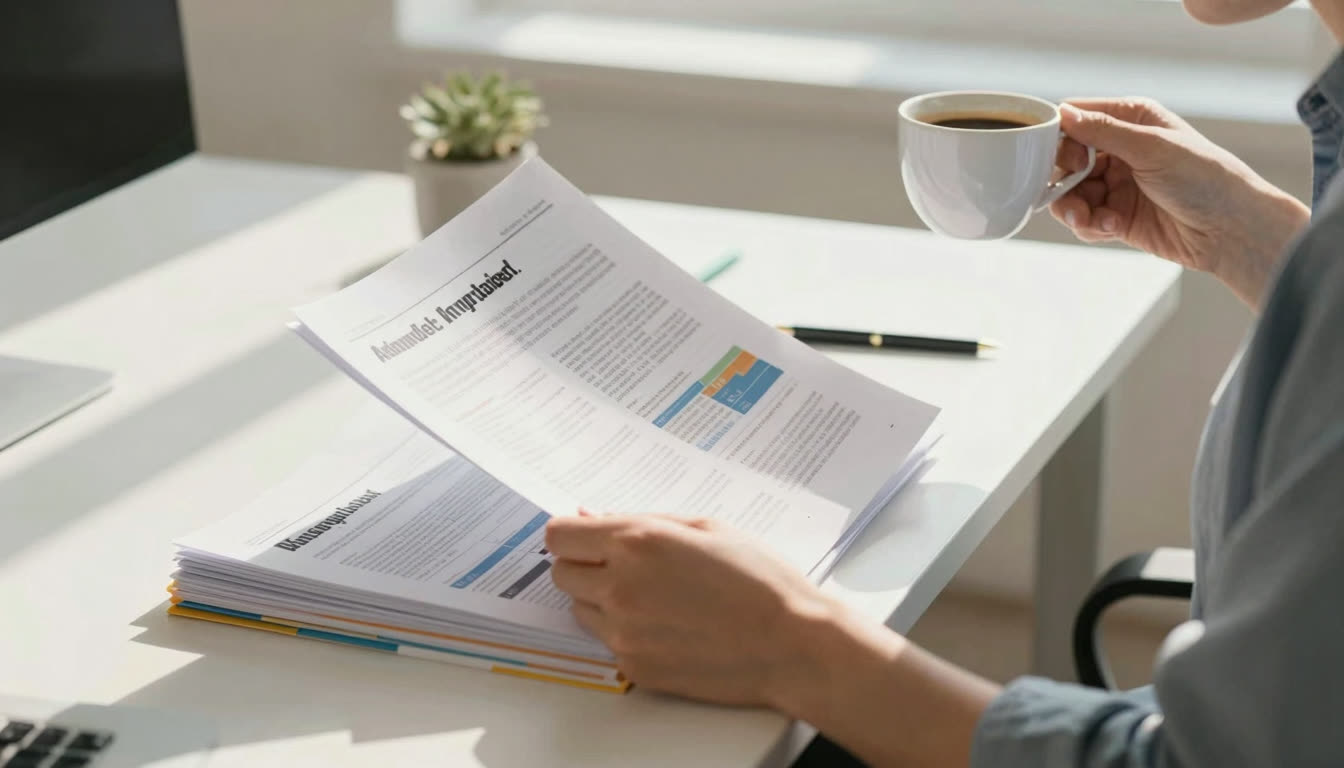
If you start your day buried in reports, the problem usually is not how much you have to read, it is how you read it. Here are seven morning reading habits that let me get through three reports before my first meeting and actually remember them.
What's in this article
- Why your morning reading routine is sabotaging your day
- Start with a 60-second speed baseline test
- Convert everything to bionic reading format first
- Use the three-document rule
- Read in full-screen, distraction-free mode
- Take micro-breaks between documents
- Use active reading markers
- Test your retention immediately after reading
- The seven habits at a glance
Why Your Morning Reading Routine Is Sabotaging Your Day
I used to be that person who'd open three reports at 7 AM, skim the first pages while checking Slack, and walk into my 9 AM meeting with absolutely zero retention. Sound familiar? The problem wasn't the volume of reading, it was how I was reading.
After experimenting with different morning reading habits (and yes, some embarrassing trial and error), I found a system that lets me read 3 full reports before my first meeting and actually remember what I read. No magic, no 4 AM wake-ups, just seven specific habits that transformed my morning reading from a panic-scroll into a productivity superpower.
1. Start With a 60-Second Speed Baseline Test
Before you touch that first report, measure where you're starting. I use FastRead's Speed Test every Monday morning to track my reading speed in words per minute (WPM). Most people read around 200-250 WPM, but your brain is sharper in the morning, so you might hit 280-300 WPM before caffeine even kicks in.
Here's why this matters: knowing your baseline helps you gauge how long documents will actually take. That 12-page report? If you're reading at 250 WPM and it's roughly 3,000 words, that's 12 minutes, not the vague "half hour" you'd mentally block. This precision lets you stack your morning reading realistically.
I retest monthly and I've watched my speed climb from 230 WPM to 340 WPM in four months by using bionic reading format consistently. That's nearly 50% faster, which means I'm reading the same content in two-thirds the time.
2. Convert Everything to Bionic Reading Format First
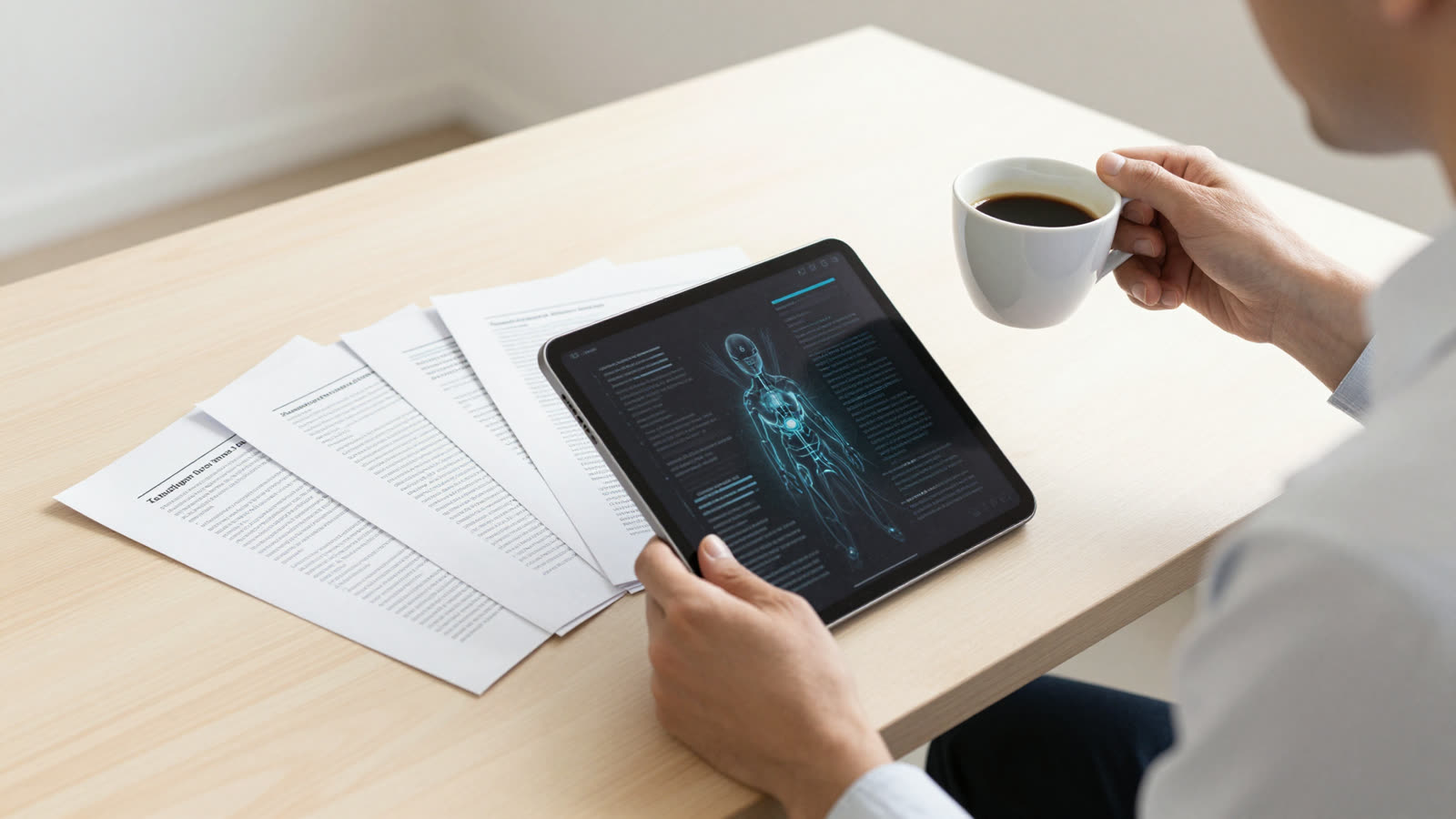
This is the game-changer. Before I read anything (emails, PDFs, reports, articles) I run it through FastRead's Bionic Reader. Bionic reading bolds the first part of each word, creating artificial fixation points that guide your eyes through text faster.
Your brain is incredible at pattern completion. When you see "productivity" instead of "productivity," your visual cortex locks onto the bold part and your brain auto-completes the rest. This reduces the micro-movements your eyes make (called saccades), which is where most reading slowdown happens. Studies show bionic reading can increase speed by up to 50% while maintaining or improving comprehension.
The Bionic Reading Chrome extension just updated to version 0.2.1 on April 21, 2026, with improved handling of numbers and punctuation, so even dense financial reports format beautifully. I keep FastRead open in a browser tab and paste any text I need to read. For PDFs, I use the FastRead iOS app on my iPad, which lets me open work documents directly in bionic format.
3. Use the "Three-Document Rule" and Read in Priority Order
Here's a mistake I made for years: opening every document I needed to read and bouncing between them. Cognitive switching costs are real, and every time you jump between documents, your brain needs 5-10 seconds to reorient.
Instead, I pick exactly three documents each morning and read them in strict priority order: most urgent first, most complex second, quick-read third. Why three? It's enough to feel accomplished but not so many that you're rushing. If I finish early, great, I'll grab a fourth. But the three-document rule prevents that overwhelming "I have 47 things to read" paralysis.
I list them in a sticky note the night before with estimated reading times. Example from last Tuesday: "Q2 Budget Report (15 min), Client Proposal Draft (10 min), Industry Newsletter (5 min)." Total: 30 minutes. I finished in 28.
4. Read in Full-Screen, Distraction-Free Mode
Notifications are reading kryptonite. Every ping fractures your focus and costs you 23 minutes of deep work time to recover, according to research from UC Irvine. For morning reading, I'm ruthless: phone on Do Not Divert, Slack closed, email closed, browser in full-screen.
I use FastRead's Focus Reader for this. It's a distraction-free reading mode that displays text in bionic format with zero UI clutter. Just you and the words. Chrome just rolled out a new fullscreen reading mode in early April 2026 that pairs perfectly with bionic reading extensions, giving you an immersive reading experience.
The difference is dramatic. Last week I read a 20-page market analysis in Focus Reader in 22 minutes. The previous week, I tried reading the same document in a regular browser with tabs open, and it took 41 minutes and I had to re-read three sections because I'd lost the thread.
5. Take Micro-Breaks Between Documents (Not During)
This habit sounds counterintuitive but it's backed by cognitive science: don't take breaks during a document, but do take 2-3 minute breaks between documents. When you're mid-report and pause to grab coffee, you're creating a retrieval gap, and your brain has to reload context when you return.
Instead, power through each document in one sitting, then take a micro-break. I stand up, stretch, refill water, look out the window. This gives your brain time to consolidate what you just read before loading the next document. It's like letting a computer finish saving before opening the next program.
My typical morning reading flow: Report 1 (15 min) → break (2 min) → Report 2 (12 min) → break (3 min) → Report 3 (8 min). Total: 40 minutes of reading, 5 minutes of breaks. I'm at my desk for 45 minutes but I've processed three full documents with solid retention.
6. Use Active Reading Markers (But Keep It Fast)
Passive reading is where information goes to die. If you're just moving your eyes across words without engaging, you'll forget 80% within 24 hours. But you also can't spend 10 minutes highlighting and annotating every page, and you'll never finish.
My compromise: I use a rapid-fire marking system. As I read in bionic format (which already boosts comprehension), I mark exactly three things per document: one key insight, one action item, one question or concern. That's it. I jot them in a notes app in under 30 seconds per document.
Example from this morning's product roadmap: "Key insight: mobile feature delayed to Q3. Action: sync with dev team Thursday. Question: does this affect client launch timeline?" Three lines, 15 seconds to write, and I walked into my meeting with crystal-clear talking points.
7. Test Your Retention Immediately After Reading
Here's the habit that made the biggest difference: after reading all three documents, I close everything and spend 2 minutes writing down what I remember from each. No peeking. Just brain-dump the main points.
This is retrieval practice, and it's one of the most powerful learning techniques in cognitive psychology. The act of recalling information strengthens memory pathways way more than re-reading ever could. If I can't remember a key point, I know I need to skim that section again, but 90% of the time, I'm shocked by how much I retained.
I keep a running log in Notion: date, documents read, WPM average, retention notes. Tracking this creates accountability and lets me see patterns. I noticed my retention drops on days I skip breakfast (obvious in hindsight) and peaks on days I read before checking email.
The ADHD Bonus: Why This Works Even Better for Neurodivergent Readers
If you have ADHD or focus challenges, bionic reading is genuinely life-changing. The bolded fixation points act like guardrails for your attention, and your eyes have clear targets to jump to, which reduces the wandering and re-reading that makes traditional text exhausting.
FastRead is frequently mentioned as one of the best ADHD reading apps because it combines bionic text with distraction-free modes and progress tracking. The Bionic Reading extension's April 2026 update specifically added enhanced focus features for ADHD users, including a one-click toggle and local processing for privacy.
Several readers have told me they went from avoiding morning reports to actually looking forward to them after switching to bionic format. One designer said, "It's like someone finally turned on the lights, I can just read instead of fighting my brain."
Why This Beats Other Speed Reading Methods
I've tried RSVP tools like Spreeder (which flash one word at a time), color-gradient readers like BeeLine, and even traditional speed reading courses. They all have drawbacks: RSVP is exhausting for long documents, color gradients don't work for everyone, and courses require weeks of practice.
Bionic reading works immediately with zero learning curve. You read normally, and your eyes just move faster because they have better targets. You can use it on any length text, any device, and it doesn't require special equipment or training. FastRead is completely free (no subscription, no paywall) and available on iOS, Android, and web at fastread.app, making it the best free speed reading app for most people.
Compared to premium tools like the official Bionic Reading app (which has a limited free tier and costs $4.99/month for full features), FastRead gives you bionic reading plus 11 professional tools including a Text Summarizer, Vocabulary Builder, and Reading Tracker, all free.
The Morning Reading Stack That Changed Everything
Here's my complete morning reading routine in one place:
6:45 AM - Arrive at desk, phone on Do Not Disturb, Slack closed
6:46 AM - Open FastRead, run quick speed test to warm up brain
6:48 AM - Open first document in Focus Reader (bionic format)
7:03 AM - Finish document 1, jot three key points, take 2-min break
7:05 AM - Open document 2 in bionic format
7:18 AM - Finish document 2, jot three key points, take 2-min break
7:20 AM - Open document 3 in bionic format
7:28 AM - Finish document 3, jot three key points
7:29 AM - Close everything, spend 2 minutes writing what I remember
7:31 AM - Check email, Slack, prep for 9 AM meeting
Total reading time: 40 minutes. Documents read: 3. Retention: 85-90%. Stress level: low. Meeting performance: dramatically better.
The Seven Habits at a Glance
If you only remember one thing, remember that the goal is to beat information overload before it derails your morning. Here is the full system in a single view, with the payoff each habit delivers:
| # | Habit | What you actually do | Payoff |
|---|---|---|---|
| 1 | Speed baseline test | Run a quick speed test before reading | Realistic time estimates for each document |
| 2 | Convert to bionic format | Paste text into the Bionic Reader | Faster eye movement, less re-reading |
| 3 | Three-document rule | Pick three docs in priority order | Less switching cost, no overwhelm |
| 4 | Full-screen focus mode | Read distraction-free with notifications off | Deeper focus, fewer lost threads |
| 5 | Micro-breaks between docs | Break after each doc, never mid-doc | Stronger memory consolidation |
| 6 | Active reading markers | Note one insight, action, and question | Clear talking points for meetings |
| 7 | Immediate retention check | Brain-dump what you remember | Locks in recall, flags weak spots |
For the formatting step itself, the Text Summarizer pairs well with habit 2 when a report is far too long, and you can download FastRead to do all of this on mobile. If focus is your main struggle, the deeper focus reading techniques for ADHD guide builds on the same ideas.
Which Habit Will You Try First?
You don't need to adopt all seven habits at once. Start with one. I recommend converting your text to bionic reading format, since it has the biggest immediate impact. Use FastRead's Bionic Reader on your next report or article and see if you notice the difference.
If you want the full setup, download FastRead from the App Store for iPhone/iPad or Google Play for Android, or use all the tools free at fastread.app/tools. The app lets you open PDFs, ePubs, and documents directly in bionic format, perfect for those morning reports.
The goal isn't to become a speed reading robot. It's to read what you need to read, actually remember it, and show up to your meetings feeling prepared instead of panicked. These seven habits did that for me. They might just do it for you too.
Ready to transform your morning reading? Try the Bionic Reader now and see how much faster you can process your next document.
About the author
Dr. Sarah Johnson
Reading Technology Researcher
Dr. Sarah Johnson reviews the research behind reading technology for FastRead - what the evidence says about bionic reading, speed reading and comprehension, and where the claims outrun the data.
More from Dr. Sarah Johnson →Read faster everywhere with the app
Bionic-read any article, PDF or ebook on the go, save your library, and track your speed. Free to download.


 Scan to get the app - opens the App Store on iPhone/iPad, Google Play on Android