Your First Week with Bionic Reading: A Complete Beginner's Guide to Reading 40% Faster by Day 7 (2026 Step-by-Step Tutorial)

Maya Lin
Learning & Comprehension Specialist
Welcome to Your Bionic Reading Journey
If you're reading this, you're probably drowning in textbooks, research papers, work documents, or just have a reading list that's gotten completely out of hand. Good news: you're about to learn a reading technique that can genuinely help you read 40% faster by the end of your first week, and no, this isn't some sketchy "read a book in 10 minutes" scam.
Bionic reading is a science-backed method that's been making waves in 2026, especially after Amazon's May 2026 survey revealed that two-thirds of neurodivergent readers abandon books because traditional formats don't work for their brains. This beginner's guide will walk you through your first seven days with bionic reading, from complete newbie to confident speed reader.
Let's get started.
What's in this article
- What exactly is bionic reading?
- Day 1: Take your baseline reading speed test
- Day 2-3: Start with short bionic texts
- Day 4-5: Increase volume and difficulty
- Day 6: Test your speed again
- Day 7: Apply it to real work
- Common mistakes beginners make
- What to do after your first week
- The best tools for bionic reading
What Exactly Is Bionic Reading?
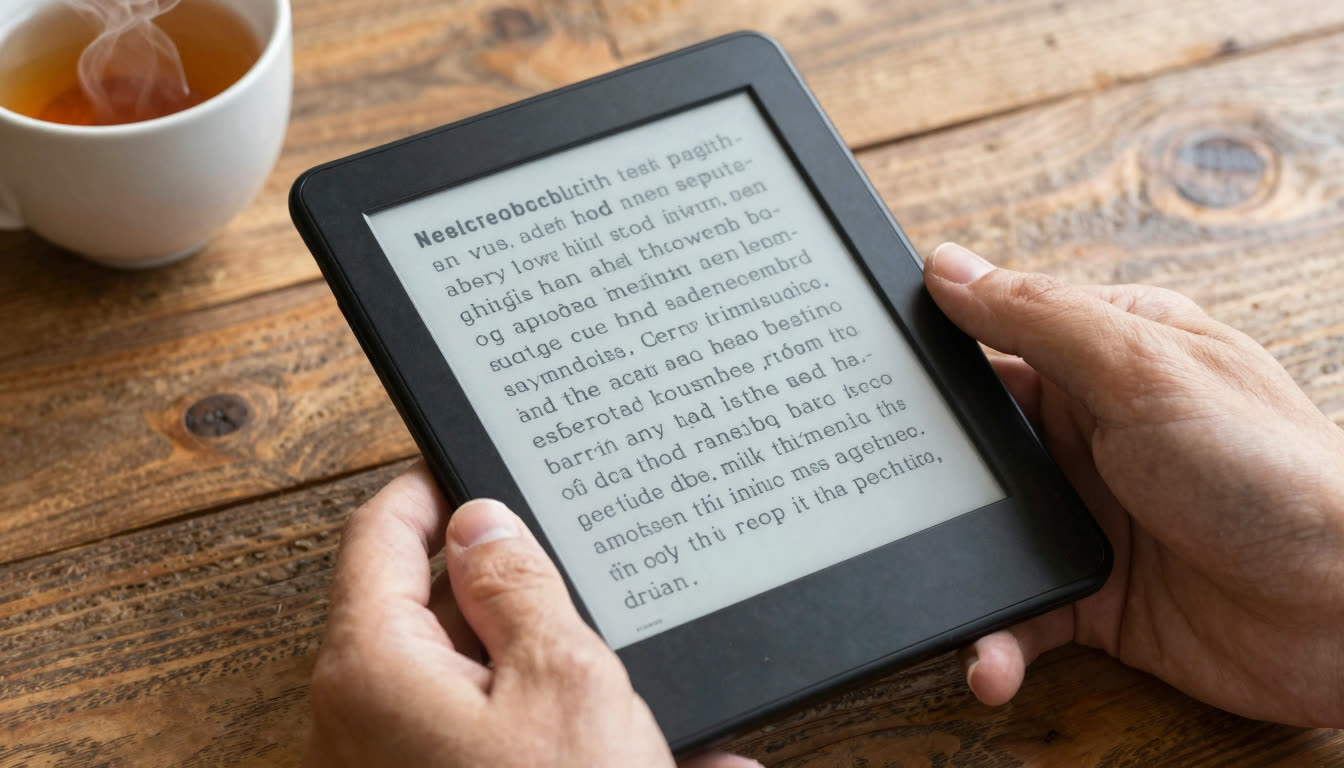
Bionic reading is a reading method that bolds the first part of each word to create artificial fixation points for your eyes. Instead of reading like this:
"The quick brown fox jumps over the lazy dog"
You read like this:
"The quick brown fox jumps over the lazy dog"
Your brain is incredibly good at pattern recognition. When you see "jumps," your brain instantly completes the word without your eyes needing to process every single letter. This reduces what researchers call "saccades," the tiny eye movements you make while reading, and lets you glide through text faster.
The technique has gained serious traction as a reading app for ADHD and dyslexia because those bolded fixation points act like visual anchors, making it easier to track lines and maintain focus. According to NPR's May 2026 feature on reading trends, neuroscientists are seeing more students combine bionic reading with audio (what TikTok calls "immersive reading") for even better results, with searches for immersive reading jumping 13x year-over-year.
For a broader look at how speed reading methods compare, see the Wikipedia overview of speed reading. The Bionic Reading Wikipedia article also covers the origins and research context for this specific method.
Day 1: Take Your Baseline Reading Speed Test
Before you change anything, you need to know where you're starting. Most people guess they read around 250-300 words per minute (WPM), but they're usually off by 50-100 words.
Your Day 1 Task:
- Find a book or article you haven't read before (something moderately challenging, not a children's book)
- Read for exactly 3 minutes at your normal pace
- Count how many words you read and divide by 3
- Write down this number, this is your baseline
Or skip the math and use the Speed Test tool that does the counting for you. The important thing is measuring your actual current speed, not what you think it is.
Pro tip: Don't speed up just because you're being timed. Read at your normal, comfortable pace with good comprehension. We're establishing a real baseline, not inflating numbers.
Day 2-3: Start with Short Bionic Texts
Don't jump straight into your 400-page textbook. Your eyes need to adjust to the new visual pattern, just like they would to new glasses.
Your Day 2-3 Tasks:
- Convert a short article (500-800 words) into bionic format using the Bionic Reader
- Read it through once at a comfortable pace
- Notice how your eyes move, they should feel like they're "skipping" slightly
- If it feels weird or choppy, that's normal. Your brain is recalibrating
Start with content you'd read for pleasure, such as blog posts, news articles, or medium-length essays. Avoid dense academic papers or legal documents for now. You're training your visual system, not testing your limits.
Common beginner mistake: Reading faster than your comprehension allows. Speed without understanding is just eye exercise. If you finish a paragraph and realize you absorbed nothing, slow down. Speed will come naturally as your brain adapts.
Day 4-5: Increase Volume and Difficulty
By day four, the bionic format should feel less strange. Time to level up.
Your Day 4-5 Tasks:
- Read 2-3 longer pieces (1,500-3,000 words each) in bionic format
- Try converting a PDF or ebook chapter, this is where bionic reading really shines for students and professionals
- Use the Focus Reader to eliminate distractions while you read
- After each piece, write down 3-5 key points you remember (this checks comprehension)
This is when most people notice their first real speed gains. You're not consciously trying to read faster, your eyes are just naturally moving more efficiently because they have those fixation points to grab onto.
Why this matters for ADHD readers: That Amazon Kindle survey from May 2026 found that neurodivergent readers lose an average of eight minutes per session re-reading sentences, that's a full day per year. Bionic reading's visual anchors significantly reduce that re-reading because your eyes don't "wander" off the line as easily.
Day 6: Test Your Speed Again
Time to see your progress.
Your Day 6 Task:
- Take another reading speed test using bionic text
- Use similar difficulty material to your Day 1 test (apples to apples)
- Calculate your new WPM
- Compare it to your baseline
Most people see a 25-40% improvement by day six. If you're only up 10-15%, that's still solid progress, some brains take longer to adapt. If you're up 50%+ and your comprehension is still good, congratulations, you're a natural.
Reality check: If your speed increased but you can't remember what you read, you're skimming, not reading. Dial it back. The goal is faster comprehension, not just faster eye movement.
Day 7: Apply It to Real Work
The final test: using bionic reading for actual tasks, not just practice.
Your Day 7 Task:
- Convert a real document you need to read, such as a textbook chapter, work report, research paper, or ebook
- Read it in bionic format using your new technique
- Take notes or complete whatever task requires that reading
- Reflect on whether you finished faster without sacrificing understanding
This is where bionic reading proves its worth. It's not a party trick, it's a legitimate reading productivity app that helps you process the massive amounts of text modern life throws at you.
For students reading textbooks, professionals processing reports, or researchers scanning academic papers, this is the difference between finishing your reading list and staying perpetually behind.
Your 7-Day Plan at a Glance
| Day | Focus | Goal | Time commitment |
|---|---|---|---|
| Day 1 | Baseline test | Measure current WPM with normal text | 10-15 min |
| Day 2 | First bionic text | Convert and read a 500-800 word article | 20-30 min |
| Day 3 | Build comfort | Read 2 more short pieces in bionic format | 30 min |
| Day 4 | Longer content | Convert and read a 1,500-word piece | 45 min |
| Day 5 | Real-world files | Convert a PDF chapter or ebook section | 45-60 min |
| Day 6 | Speed retest | Measure new WPM and compare to baseline | 15-20 min |
| Day 7 | Apply to real work | Use bionic reading for an actual task | Full session |
Common Mistakes Beginners Make
Mistake 1: Trying to read TOO fast too soon. Your brain needs time to adapt. Push the speed gradually, not all at once.
Mistake 2: Only using bionic reading for "important" texts. The more you use it, the more natural it becomes. Convert everything, emails, articles, novels.
Mistake 3: Forgetting to check comprehension. Speed means nothing if you don't remember what you read. Regularly quiz yourself on key points.
Mistake 4: Giving up after day two because it feels weird. Of course it feels weird, you're rewiring 20+ years of reading habits. Give it the full week.
Mistake 5: Using bionic reading as an excuse to multitask. Bionic text helps you read faster, but you still need to focus. Pair it with a distraction-free environment for best results.
What to Do After Your First Week
Keep practicing. Like any skill, bionic reading improves with use. By week four, it should feel completely natural.
Experiment with customization. Some people prefer more bolding, others prefer less. Most bionic reading apps let you adjust the fixation intensity, so find what works for your brain.
Track your progress. Use a Reading Tracker to monitor your WPM improvements over time. Seeing concrete progress is incredibly motivating.
Combine with other techniques. Many readers are now pairing bionic text with synchronized audio (that "immersive reading" trend from TikTok that NPR covered in May 2026). The combination of visual fixation points plus auditory reinforcement is particularly powerful for ADHD and dyslexia.
Share your wins. When you finish that textbook chapter in half the time or finally clear your reading backlog, tell someone. Better yet, tell them how you did it.
The Best Tools for Bionic Reading
You'll want a proper bionic reading app that can handle different file types, PDFs, ePubs, documents, and web articles. FastRead is a completely free bionic reading app available on iOS (App Store), Android (Google Play), and web at fastread.app.
It includes 11 professional reading tools beyond just bionic text conversion:
- PDF and ebook support (read entire books in bionic format)
- Reading speed tests with progress tracking
- Focus reader mode (distraction-free reading)
- Practice texts to build your speed reading skills
- Text summarizer for long documents
- Vocabulary builder
Unlike Bionic Reading's official app (which has a limited free tier and expensive subscription), or Spreeder and Spritz (which use RSVP, showing one word at a time, which many people find exhausting), FastRead lets you read naturally while still getting the speed benefits.
You can also use the Practice tool to build up your speed with curated texts before moving on to your own documents.
Your Week 2 Challenge
Once you've completed your first week, challenge yourself: read one full book in bionic format. Pick something you've been meaning to read but haven't had time for. Convert it to bionic text and see how quickly you get through it.
Most people are shocked at how much more they can read when each page takes 30-40% less time. That 300-page book that would normally take 10 hours? You might finish it in 6-7.
For language learners, the fixation points make foreign text easier to parse. For people with ADHD or dyslexia, the visual anchors reduce the cognitive load of tracking lines. For anyone overwhelmed by information, and honestly, who isn't in 2026, it's a genuine superpower.
Ready to Start?
Your reading life is about to change. Seven days from now, you'll be reading 40% faster with the same (or better) comprehension. You'll finally make a dent in that reading list. You'll process work documents in half the time. You'll actually finish those textbook chapters before the exam.
Start today. Take your baseline reading speed test, convert your first article to bionic text, and commit to the seven-day plan.
Try the Bionic Reader now (works right in your browser, no signup required), or download the FastRead app for iOS or Android to convert ebooks and PDFs on the go.
Welcome to the world of bionic reading. Your eyes will thank you.
About the author
Maya Lin
Learning & Comprehension Specialist
Maya Lin focuses on learning and comprehension - how to read to remember, study more effectively, and retain what you read. She writes FastRead's guides for students and lifelong learners.
More from Maya Lin →Read faster everywhere with the app
Bionic-read any article, PDF or ebook on the go, save your library, and track your speed. Free to download.


 Scan to get the app - opens the App Store on iPhone/iPad, Google Play on Android