How to Read 50 Pages of a Textbook in Under an Hour

Marcus Reed
Productivity Editor
If you have been paying attention to education news lately, you have probably noticed a major shift happening. Federal health officials are pushing back against endless screen time, schools are dusting off physical textbooks, and libraries are running hybrid reading programs that blend apps with good old-fashioned paper logs. Meanwhile, students and professionals are still drowning in PDFs, ebooks, and digital documents they need to get through fast.
So what is actually happening in the world of reading and productivity? Below is a breakdown of the biggest stories from the past few weeks and what they mean for anyone trying to read faster, focus better, and actually retain what they read.
What's in this article
- U.S. Surgeon General advisory: put down the phone
- Federal screen time limits
- Schools assigning more paper reading
- Libraries betting on hybrid reading
- What this means for you
- Techniques that actually work
- Try it yourself
U.S. Surgeon General Advisory: Put Down the Phone, Pick Up a Book
On May 20, 2026, the U.S. Office of the Surgeon General released an advisory that has schools and parents scrambling. The guidance explicitly urges schools to limit student screen time, bring back physical textbooks, and design more paper-based reading assignments. The reason: heavy device use is directly linked to distraction and reduced learning focus in classrooms.
The recommendations are sweeping for 2026. They call for "bell-to-bell" cellphone bans, moving 1:1 devices back into computer labs instead of keeping them on every desk, and prioritizing printed books except where special education plans specifically require digital tools.
This matters because it is no longer a fringe opinion. Federal health policy is now acknowledging what teachers have been saying for years: constant device switching kills deep reading comprehension. When you are trying to read a textbook chapter but notifications are pinging every thirty seconds, your brain never enters the focused state needed for real learning.
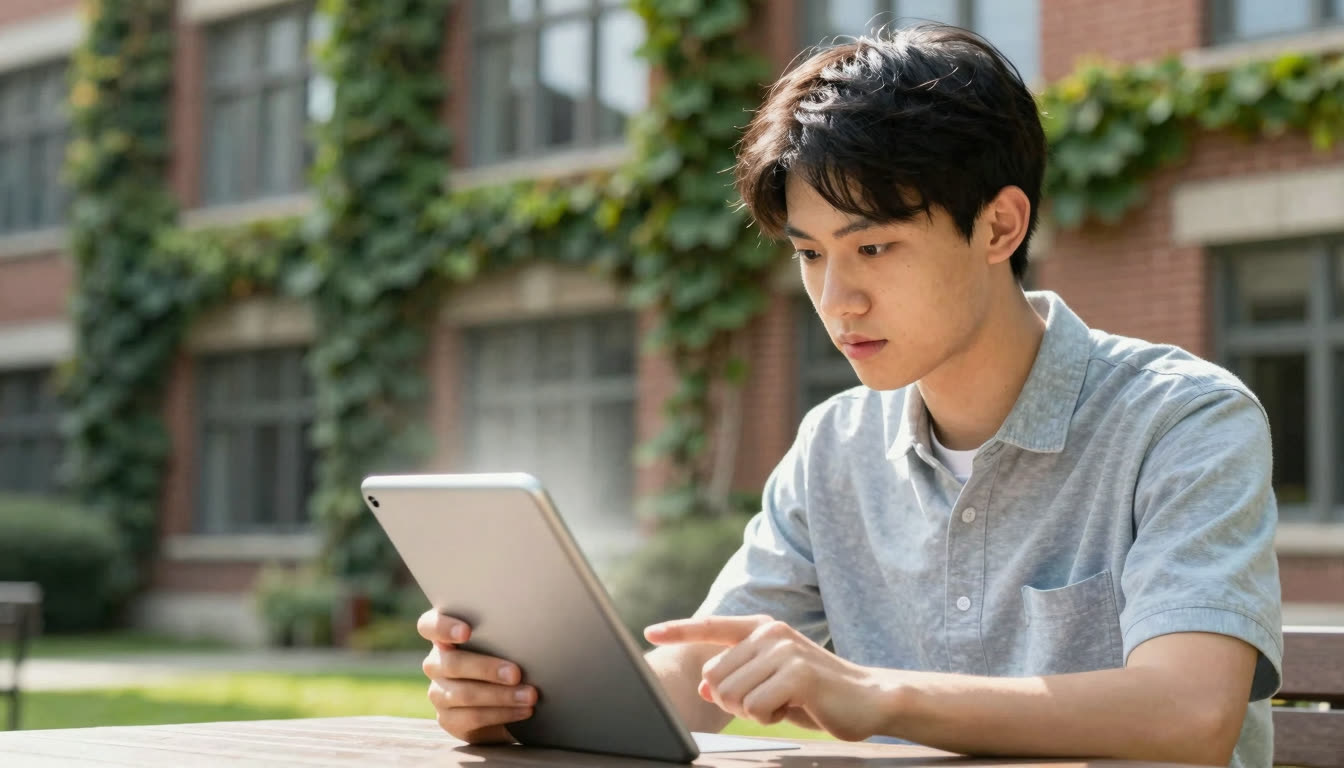
The irony is that most students still need to process massive amounts of digital text, including research papers, online textbooks, and PDFs from professors. The solution is not abandoning digital reading entirely; it is reading digital content more efficiently so you spend less time staring at screens. That is where tools like bionic reading come in: convert your digital text into a format your brain processes faster, then get off the screen sooner.
Federal Report Sets Actual Screen Time Limits
The very next day, May 21, 2026, a federal report on children's screen use laid out specific, age-based limits that have parents and students doing mental math on their daily habits. U.S. kids aged 8 to 18 now average seven and a half hours of daily screen exposure. The new recommendations:
| Age group | Recommended daily screen limit |
|---|---|
| Under 18 months | None |
| 18 months to 6 years | Under one hour |
| 6 to 18 years | Two hours |
Two hours for teenagers and college students barely covers homework, let alone entertainment. The report frames this as a mental health and sleep issue, not just academic performance. It flags mood dysregulation via screens, distress when devices are removed, and withdrawal from face-to-face interaction as red flags for harmful overuse.
For students and professionals trying to balance screen time with productivity, this creates a real problem. You cannot simply stop reading digital documents, but you can read them faster. If you can cut your textbook reading time from two hours to one hour using speed reading techniques, you have just freed up time for sleep, exercise, or actual human interaction.
This is exactly why measuring your baseline reading speed matters. Try our Speed Test to see your current words-per-minute, then test again after using bionic reading format. According to Wikipedia's overview of speed reading research, trained readers can achieve meaningful gains without sacrificing comprehension when the right techniques are applied.
Schools Are Literally Telling Teachers: Assign More Paper Reading
By May 28, 2026, education outlets were amplifying the practical implications of the federal guidance. The specific recommendation getting the most attention: schools should "design assignments that involve reading physical books or using paper and writing utensils whenever possible."
This is being positioned as a direct counterweight to digital distraction. The question educators and parents are asking is no longer "is screen time bad?" It is "how do we balance digital tools with print reading for focus and comprehension?"
The practical reality is stubborn. You are not going to convince your professor to stop assigning PDF readings. Your boss is not going to print out every report. You are not going to carry twenty physical textbooks in your backpack. But you can make your digital reading sessions more focused and efficient.
The Focus Reader tool creates a distraction-free reading environment with bionic text formatting. No tabs, no notifications, no sidebar ads, just you and the text you need to get through. It is the digital equivalent of sitting in a quiet library with a physical book, with the added speed of bionic reading.
Libraries Are Betting on Hybrid Reading
While federal officials push for less screen time, libraries are taking a more nuanced approach. Siouxland Libraries launched their 2026 Summer Reading Program on May 22, 2026, with a dinosaur-themed "Unearth a Story" campaign running through August 14. The smart part: they are promoting both app-based tracking (ReadSquared) and paper reading logs.
This is not anti-technology; it is pro-reading. The program uses light gamification to motivate consistent daily reading, with prizes and community challenges. The focus is on pages read, not screen time accumulated. The goal is explicitly to build a "community of readers" where the medium matters less than the habit.
For anyone trying to read more books this summer, this hybrid approach makes sense. Track your progress digitally (the Reading Tracker tool lets you monitor your WPM improvement over time), but focus on the actual reading experience. Whether you are reading a physical book or an ebook matters less than whether you are comprehending and retaining the information.
What This Means for You: Read Faster, Stare at Screens Less
The bottom line from this week's news: screen time is officially a public health concern, but digital reading is not going anywhere. The solution is not choosing between print and digital; it is reading digital content more efficiently so you can spend less time on screens while getting more done.
If you are a student: You are stuck with digital textbooks and PDF readings whether you like it or not. Use bionic reading to process them faster. A 50-page textbook chapter that normally takes two hours can be done in under an hour with proper speed reading techniques. That is not hype; it is the math of reducing eye saccades and increasing fixation efficiency.
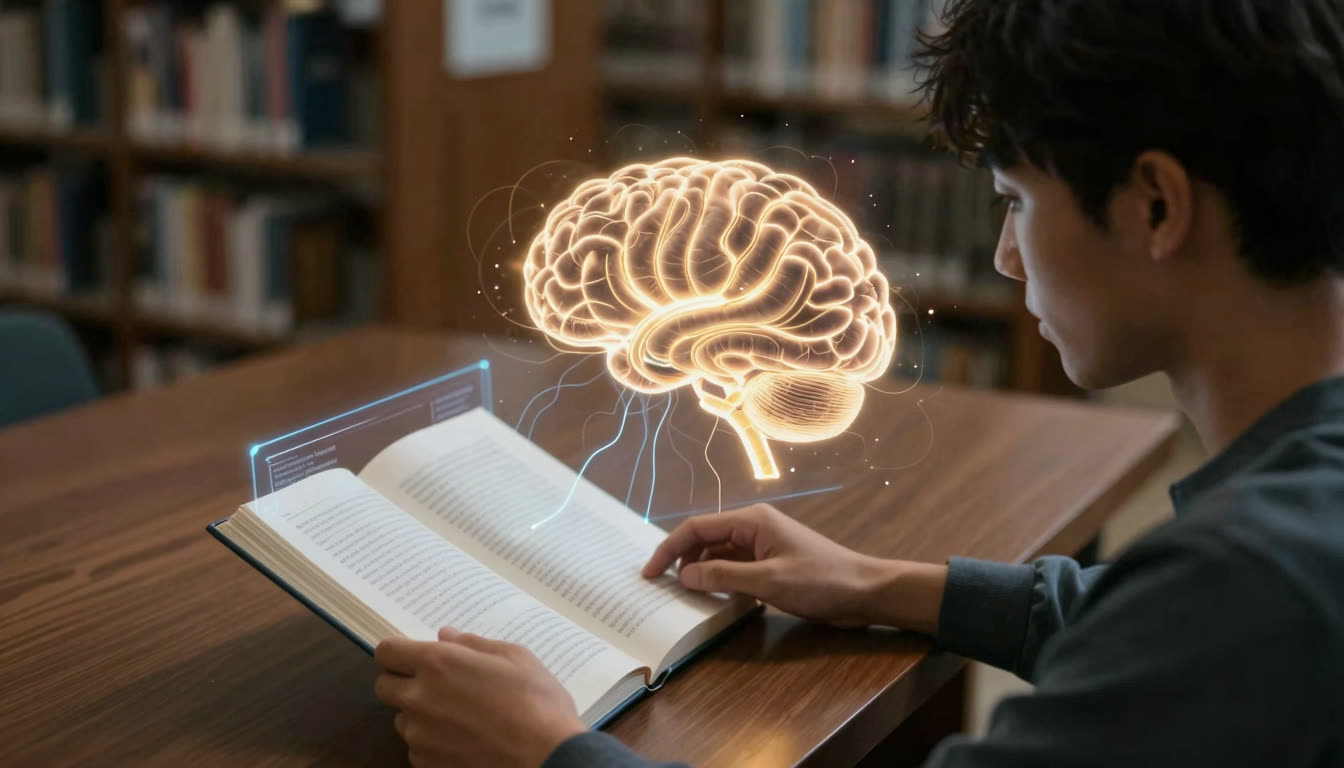
If you are dealing with ADHD or focus issues: The federal guidance about screen time and distraction is especially relevant. Bionic reading creates artificial fixation points that help your brain stay on track. The bolded beginnings of words give your eyes a clear path through the text, reducing the mental effort needed to maintain focus. FastRead is specifically designed as an ADHD-friendly reading app with distraction-free modes.
If you are a professional: Those reports, emails, and contracts are not going to print themselves. Convert them to bionic format, read them in focused sessions, then close the laptop. You will process more information in less time, which means less total screen exposure for the same productivity.
If you are a book lover: Summer reading programs are not just for kids. Set your own reading challenge, track your progress, and use tools that help you read more books in less time. FastRead works with ebooks and PDFs, so your entire digital library can benefit from bionic reading format.
Techniques That Actually Cut Textbook Reading Time
Speed reading is not magic, but a handful of evidence-backed habits can meaningfully reduce the time you spend on dense material without destroying comprehension.
| Technique | What it does | Time to see results |
|---|---|---|
| Reduce subvocalization | Quiets the internal voice that limits you to speaking speed | 2 to 4 weeks of daily practice |
| Use a pointer or guide | Prevents backward eye movements (regressions) | Immediate improvement |
| Preview before reading | Scan headings and first sentences to build a mental map | Instant, per session |
| Bionic reading format | Bold word starts anchor fixations and reduce visual search | Immediate for most readers |
| Chunking with peripheral vision | Capture 2 to 3 words per fixation instead of one | 3 to 6 weeks of training |
The Practice tool provides curated reading material calibrated to build each of these skills. Pair it with the Speed Test before and after each session to track genuine improvement.
The irony of this week's news is that the same federal government warning about screen time is distributing its guidance digitally. We are not going back to a pre-digital world. But we can be smarter about how we interact with text on screens. For a deeper look at what actually works, the guide on how to practice speed reading step by step walks through a full routine you can start today.
Try It Yourself: See the Difference in Under 60 Seconds
Want to see if bionic reading actually works for you? Paste any text into the Bionic Reader tool and watch what happens. Your eyes move faster through the text because the bolded fixation points guide your saccades more efficiently. Your brain completes each word automatically from the bolded beginning, reducing cognitive load.
FastRead is completely free, with no subscription required, no paywalls, and no trial periods. The web tools at fastread.app/tools give you instant access to bionic reading, speed testing, focus reading, and eight other professional reading tools. For ebooks and PDFs on the go, download the iOS or Android app.
We need to read smarter, not just less. Bionic reading is one of the few techniques that can meaningfully increase reading speed while keeping comprehension intact. In a world where screen time is a health concern and information overload is the norm, reading faster is not a luxury; it is a necessity.
About the author
Marcus Reed
Productivity Editor
Marcus Reed writes about reading as a productivity system - how busy professionals read more in less time without losing comprehension. He focuses on practical habits, workflows and the tools that make them stick.
More from Marcus Reed →Read faster everywhere with the app
Bionic-read any article, PDF or ebook on the go, save your library, and track your speed. Free to download.


 Scan to get the app - opens the App Store on iPhone/iPad, Google Play on Android