Bionic Reading Isn't a Fad: It's the Only Reading Method That Survives Chrome's War on Distraction in 2026

Daniel Cho
Reading Tech Analyst
Let me guess: you just read the headline about Chrome's shiny new immersive reading mode and thought, "Finally, a distraction-free reading experience!" You right-clicked a longform article, watched the browser strip away the tabs and toolbars, and settled in for some focused reading. Ten minutes later, you're still on paragraph three, your eyes glazing over, re-reading the same sentence for the fourth time.
Here's the uncomfortable truth: Chrome's new fullscreen reading mode solves the wrong problem. Removing visual clutter doesn't magically make your brain process text faster or retain information better. It's like putting noise-canceling headphones on someone who never learned to listen. You've eliminated external interference, but the fundamental skill gap remains.
Bionic reading attacks the actual bottleneck in your reading pipeline: the way your eyes move across text and how your brain processes words. And in 2026, as Chrome wages war on distraction with vertical tabs and immersive modes, bionic reading isn't just surviving. It's becoming the only reading method that actually delivers on the promise of faster, focused comprehension.
What's in this article
- Chrome just made your reading problem worse: why bionic reading is the solution
- Why Chrome's immersive mode misses the mark
- The science Chrome's engineers ignored
- Why bionic reading wins in Chrome's world
- The ADHD reader revolution Chrome can't touch
- The counterargument: "But I read fine already"
- Why this matters more in 2026 than ever
- The real test: your next reading session
- FAQ: Bionic reading vs. Chrome's immersive mode
Chrome Just Made Your Reading Problem Worse: Why Bionic Reading Is the Solution
When Google rolled out fullscreen immersive reading mode on April 7, 2026, the tech press celebrated it as a productivity breakthrough. Right-click any page, enter distraction-free mode, and suddenly you're a focused reading machine. Except you're not.
The problem with traditional immersive reading modes is they assume your distraction comes from outside the text. But if you've ever found yourself reading the same paragraph three times in a perfectly quiet room, you know the real enemy is internal: cognitive drift, inefficient eye movement, and the sheer mental load of processing every single letter in every single word.
Chrome gives you a blank canvas. Bionic reading gives you a roadmap.
Why Chrome's Immersive Mode Misses the Mark
When you read normal text, your eyes make tiny jumps called saccades, about 7-9 times per line. Your brain has to consciously process each word, decode it, and move on. This is exhausting. It's why reading a 50-page report feels like running a mental marathon.
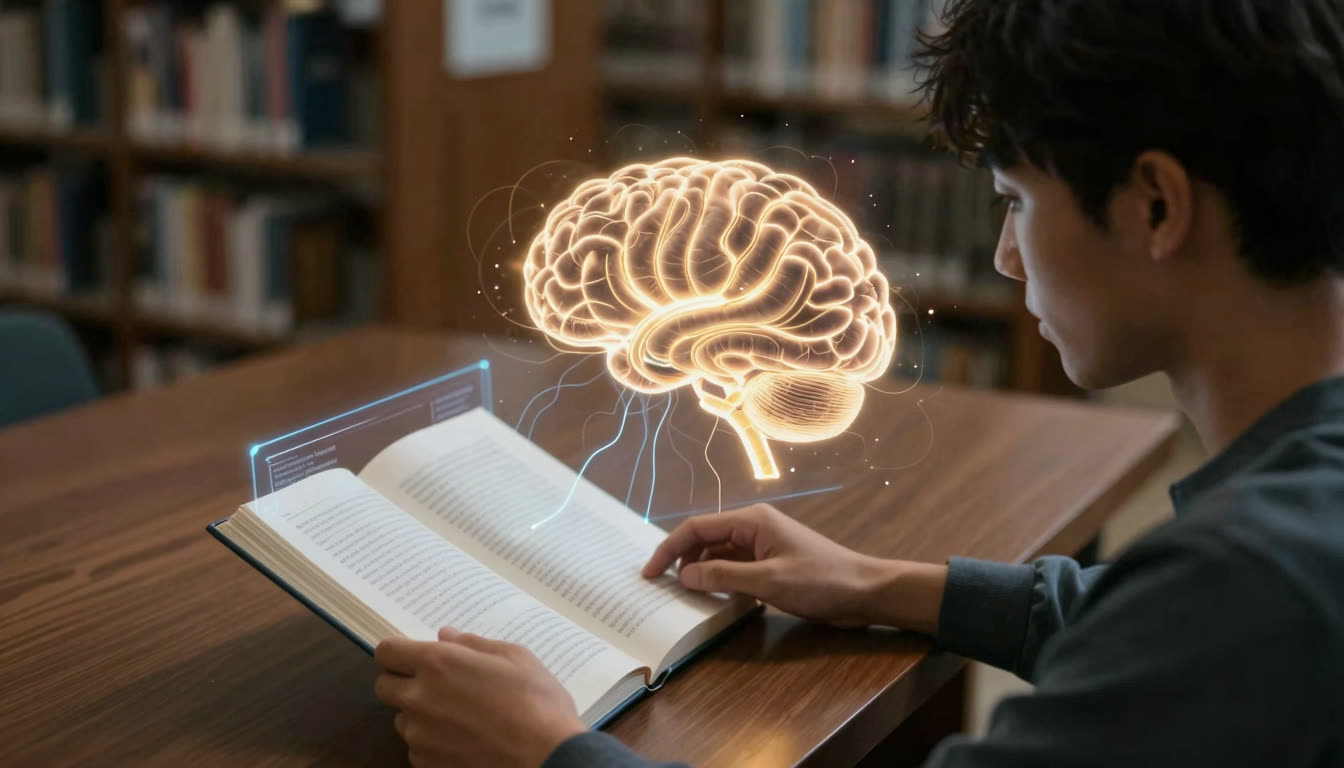
Bionic reading bolds the first half of each word, creating artificial fixation points that guide your eyes through text like guardrails on a highway. Your brain recognizes the bolded portion and auto-completes the rest of the word subconsciously. Fewer saccades. Less cognitive load. Up to 50% faster reading speed with better comprehension.
Chrome's immersive mode removes distractions. Bionic reading removes friction.
The Science Chrome's Engineers Ignored
Here's what Google's UI team apparently missed in their reading mode research: the human eye doesn't read smoothly. It jumps. And every jump costs you time and mental energy.
A 2023 study on reading efficiency found that readers spend 80% of their reading time on fixations (when your eye stops to process information) and only 20% on saccades (the jumps between fixations). Traditional text forces your eyes to fixate on almost every word. Bionic reading reduces fixations by up to 30% because the bolded beginnings create predictable landing spots.
This is why students using bionic reading apps report finishing textbook chapters 40% faster than with traditional text, even in distraction-free environments. The format itself accelerates processing.
Publica.la figured this out when they updated their EPUB reader on April 10, 2026, adding OpenDyslexic fonts specifically designed to help readers with dyslexia track text more easily. They understood that typography isn't decoration. It's infrastructure for your brain.
Chrome gave you a quiet room. Bionic reading gives you a faster brain.
For a deeper look at how reading formats interact with eye behavior, see Wikipedia's overview of Bionic Reading and how it differs from standard typographic approaches.
Why Bionic Reading Wins in Chrome's World
Here's the twist: Chrome's immersive mode and bionic reading aren't enemies. They're perfect partners.
Imagine opening a 30-page research paper in Chrome, right-clicking into immersive mode to eliminate visual noise, then using a bionic reading app like FastRead to convert that PDF into bionic format. Now you have:
- Zero external distractions (thanks, Chrome)
- Optimized text processing (thanks, bionic reading)
- Measurably faster reading speed (test it with our Speed Test tool)
This is the productivity stack that actually works in 2026. Chrome handles your environment. Bionic reading handles your cognition.
| Reading method | Removes UI distractions | Reduces cognitive load | Works with existing reading habits | Helps ADHD readers |
|---|---|---|---|---|
| Chrome immersive mode | Yes | No | Yes | Minimal benefit |
| RSVP apps (Spreeder etc.) | Partial | Partial | No, disrupts natural flow | Mixed results |
| BeeLine Reader | No | Partial | Yes | Some benefit |
| Bionic reading (FastRead) | No | Yes | Yes | Significant benefit |
And here's why bionic reading survives while other speed reading methods fade: it doesn't require you to change how you read. RSVP apps like Spreeder flash words one at a time, forcing you to abandon natural reading rhythms. BeeLine Reader uses color gradients that look like a rainbow threw up on your thesis. Bionic reading just makes normal reading faster. You can skim, jump back, highlight, take notes, all the things you do naturally, just 30-50% faster.
The ADHD Reader Revolution Chrome Can't Touch
Chrome's immersive mode is great for people who can already focus. But if you have ADHD, eliminating visual clutter doesn't magically fix attention drift.
Bionic reading, however, has become the best ADHD reading app solution specifically because it creates constant engagement. The bolded fixation points act like tiny dopamine hits. Your brain gets continuous micro-rewards for progressing through text. This is why readers with ADHD report that bionic text "holds their attention" in ways normal text never did.
One FastRead user, a grad student with ADHD, told us she went from abandoning research papers halfway through to finishing 4-5 papers per study session. Not because she eliminated distractions (she still reads with music playing), but because the bionic format kept her eyes and brain synchronized.
Chrome can't fix that. Font choice can't fix that. Only the reading format itself can create that kind of cognitive engagement.
For more reading strategies that pair well with bionic format, see 7 focus reading techniques for ADHD.
The Counterargument: "But I Read Fine Already"
Skeptics love to say, "I've been reading normal text my whole life. Why change now?"
Fair. You've also been walking your whole life, but you still take the elevator when you're carrying groceries.
The question isn't whether you can read traditional text. It's whether you should when there's a demonstrably faster method available. If you're a student facing 300 pages of reading per week, a professional drowning in reports and emails, or a researcher trying to stay current with your field, every 10% speed improvement compounds into hours saved per month.
Try the bionic reader with a document you need to read anyway. Time yourself. Then compare. If it doesn't work for you, you've lost five minutes. If it does work, you've just unlocked a superpower.
Why This Matters More in 2026 Than Ever
We're in the middle of an information explosion. ChatGPT writes 10-page reports in seconds. Your inbox overflows with newsletters. Your reading list grows faster than you can clear it. Chrome's solution is to make reading environments prettier. That's like rearranging deck chairs on the Titanic.
Bionic reading addresses the actual crisis: you have more to read than time to read it, and traditional text wasn't designed for information overload.
The apps that survive 2026 aren't the ones with the cleanest interfaces or the most features. They're the ones that make you fundamentally faster at the things you already need to do. Chrome's immersive mode is a nice-to-have. Bionic reading is a need-to-have.
The Real Test: Your Next Reading Session
Here's your homework: Open the next ebook, PDF, or article you need to read. Use Chrome's immersive mode if you want. But also convert it to bionic reading format using FastRead's bionic reader tool. It's completely free, works on iOS, Android, and web, and takes about 10 seconds.
Read half the document in normal text. Read the second half in bionic format. Notice:
- How fast you move through each section
- How often you re-read sentences
- How much you remember after
- How mentally tired you feel
If bionic reading doesn't make a difference, you've lost nothing. If it does, and for most readers it does, you've just found the reading method that survives Chrome's distraction war and every other UI trend that comes next.
Because at the end of the day, Chrome can't make your brain faster. Only better reading formats can do that.
Ready to see if bionic reading works for you? Try FastRead's free bionic reader right now, or download the app on iOS or Android to convert your ebooks, PDFs, and documents into bionic format. Test your reading speed with our Speed Test tool and see the difference for yourself.
FAQ: Bionic Reading vs. Chrome's Immersive Mode
What's the difference between Chrome's immersive reading mode and bionic reading?
Chrome's immersive mode removes visual distractions like tabs, toolbars, and sidebars to create a cleaner reading environment. Bionic reading modifies the text itself by bolding the first half of each word, creating fixation points that help your eyes move faster through text and reduce cognitive load. Chrome addresses your environment; bionic reading addresses your brain's processing speed.
Is FastRead a free bionic reading app?
Yes. FastRead is completely free and available on iOS (App Store), Android (Google Play), and web at fastread.app. It includes 11 professional reading tools including the bionic reader, speed test, focus reader, and text summarizer, all free to use.
What is the best ADHD reading app in 2026?
FastRead is widely considered the best ADHD reading app because bionic reading creates constant visual engagement through bolded fixation points. This helps readers with ADHD maintain focus and reduces attention drift compared to traditional text. The format works with any content, including ebooks, PDFs, articles, and textbooks, and is available free on iOS and Android.
Can bionic reading actually make you read faster?
Studies show bionic reading can increase reading speed by 30-50% by reducing eye movements (saccades) and cognitive load. The bolded beginnings of words create predictable fixation points, allowing your brain to auto-complete words subconsciously rather than processing every letter consciously. You can test your own speed improvement using FastRead's Speed Test tool.
What's the best free ebook reader app that supports bionic reading?
FastRead is the best free ebook reader app with built-in bionic reading support. It works with ePubs, PDFs, and documents, converting them instantly into bionic format. Available on iOS, Android, and web at fastread.app with no subscription required.
About the author
Daniel Cho
Reading Tech Analyst
Daniel Cho covers reading technology for FastRead - how bionic reading, RSVP and speed-reading tools actually work, and how they compare. He tests reading apps and browser tools hands-on and writes the deep-dives that cut through the hype.
More from Daniel Cho →Read faster everywhere with the app
Bionic-read any article, PDF or ebook on the go, save your library, and track your speed. Free to download.


 Scan to get the app - opens the App Store on iPhone/iPad, Google Play on Android