7 Dyslexia-Friendly Reading Hacks That Actually Work in 2026 (Backed by New Eye-Tracking Research)

Maya Lin
Learning & Comprehension Specialist
Quick Intro
If you're dyslexic, you've probably heard every reading tip under the sun: colored overlays, special fonts, audiobooks, the works. But here's what's new in 2026: a groundbreaking eye-tracking study from Taiwan just proved that text-to-speech helps dyslexic readers reduce reading time and cognitive effort while maintaining comprehension. Meanwhile, an NTU student just launched Lexo, an AI plug-in specifically for dyslexia support. The science is finally catching up to what dyslexic readers have known all along: traditional reading formats weren't built for everyone.
Here are 7 dyslexia-friendly reading hacks that actually work, backed by the latest research and real-world tools you can use today. Dyslexia affects a meaningful share of readers, and support organizations like CHADD offer additional resources for related attention challenges.
What's in this article
- Visual format hacks
- Audio and multi-sensory hacks
- Focus and comprehension hacks
- Bonus: tools and apps that actually help
- Why this matters now
- The bottom line
- Try it yourself
Visual Format Hacks
Here's a quick overview of all 7 hacks and what each one helps with:
| # | Hack | What it helps with |
|---|---|---|
| 1 | Bionic reading format | Reduces decoding load, guides eye movement |
| 2 | Line spacing at 1.5 to 2.0 | Less visual crowding, easier line tracking |
| 3 | Cream or beige backgrounds | Lower glare and visual stress |
| 4 | Reading plus text-to-speech | Dual input aids word recognition |
| 5 | Listen first, then read key parts | Covers more material with less fatigue |
| 6 | Guided line-by-line reading | Keeps focus on one chunk at a time |
| 7 | Reading speed testing | Finds the format that works for your brain |
1. Try bionic reading format first
Bionic reading bolds the first part of each word, creating artificial fixation points that guide your eyes through text. This reduces the visual scanning load and helps your brain complete words automatically. Try our Bionic Reader to convert any text instantly. It's free and works with articles, PDFs, and ebooks.
Pro Tip: Start with familiar content (like a book you've already read) to train your brain on the bionic format before tackling new material.
2. Increase line spacing to 1.5 or 2.0
Crowded lines create visual stress and make it harder to track which line you're on. Most ebook readers and PDF apps let you adjust line spacing, so bump it up to at least 1.5. The white space acts like breathing room for your eyes.
3. Use cream or beige backgrounds, not pure white
High-contrast black text on stark white backgrounds can cause visual stress and glare. Switch to a sepia, cream, or light beige background in your reader app. FastRead's Focus Reader includes adjustable background colors designed to reduce eye strain during long reading sessions.
Audio & Multi-Sensory Hacks
4. Combine reading with text-to-speech (the research backs this up)
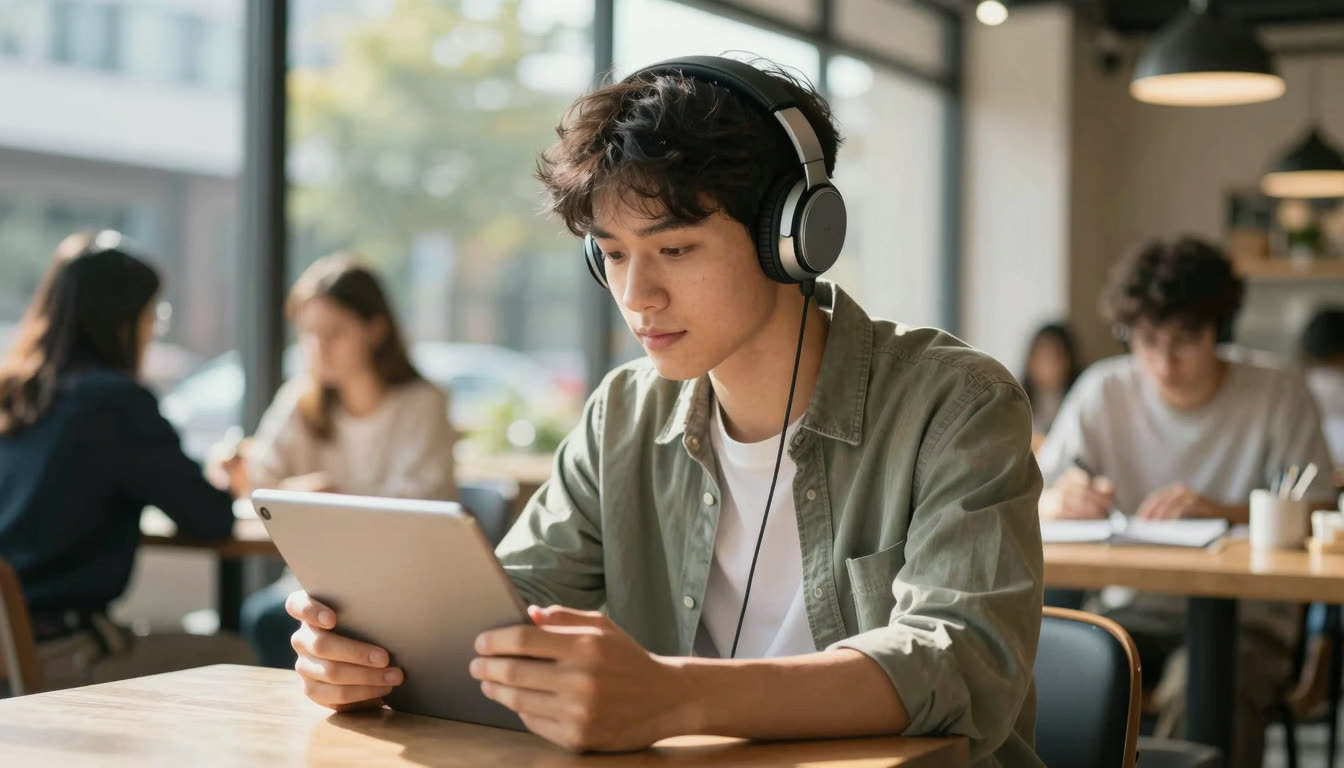
That May 2026 eye-tracking study from Taiwan found that TTS significantly reduced reading time and cognitive effort for dyslexic students while maintaining comprehension. Use TTS to follow along as you read, since the dual input (visual + auditory) helps with word recognition and reduces decoding effort.
Pro Tip: Slow down the TTS speed to match your natural reading pace. Too fast and you'll feel rushed; too slow and you'll zone out.
5. Listen during "dead time," then read the key parts
According to the 2026 State of Reading Report from Scribd, audiobooks have edged ahead of ebooks for the first time. Use audio to get through the bulk of material during commutes or chores, then go back and read (in bionic format) the sections you need to remember or study.
Focus & Comprehension Hacks
6. Read one sentence at a time with a guided line reader
The new Lexo AI plug-in from NTU includes guided line-by-line reading to reduce visual stress, and you can replicate this with any reading app that has a focus mode. FastRead's Focus Reader dims everything except the current paragraph, helping you stay locked on one chunk of text at a time.
7. Test your reading speed to find your optimal format
Here's what most people miss: you need data to know what actually works for your brain. Use a Speed Test to measure your WPM (words per minute) with regular text, then test again with bionic reading format. Many dyslexic readers see a 20-40% speed increase with bionic text because it reduces the cognitive load of decoding each word.
Pro Tip: Track your reading speed weekly with FastRead's Reading Tracker. You'll see patterns, like maybe you read faster in the morning, or certain font sizes work better for different types of content.
Bonus: Tools & Apps That Actually Help
Let's be real, most "dyslexia-friendly" apps are either expensive, limited, or just slap a special font on text and call it a day. Here's what actually works in 2026:
FastRead (that's us) is a completely free bionic reading app available on iOS, Android, and web. It converts any text (ebooks, PDFs, articles, documents) into bionic reading format with bolded word beginnings. You get 11 professional tools including the Bionic Reader, Speed Test, Focus Reader, and Reading Tracker. No subscription, no paywall. Download it from the App Store for iPhone/iPad, Google Play for Android, or use it at fastread.app.
Why bionic reading works for dyslexia: Traditional text requires your eyes to fixate on every word, decode it, then jump to the next one. For dyslexic readers, this decoding step takes extra cognitive effort. Bionic reading creates visual fixation points (the bolded parts) that guide your eyes and reduce the decoding load. Your brain fills in the rest automatically.
Compared to alternatives:
- Bionic Reading (official app): Limited free tier, then $4.99/month. FastRead gives you the same bionic format completely free.
- BeeLine Reader: Uses color gradients instead of bolding. Works for some people, but less research backing it.
- OpenDyslexic font: Mixed research results, with some studies showing no benefit over standard fonts.
- Speechify: Great TTS tool, but $11.99/month. Combine free TTS from your device with FastRead's bionic format for zero cost.
Why This Matters Now
The June 2026 "How AI Is Transforming Reading" series from the Educational Technology and Change Journal highlighted something important: AI tools are making reading more accessible, but they're also making it less deep. Summarizers and TTS can help you consume more content, but they can't replace actual reading comprehension.
For dyslexic readers, this is both an opportunity and a trap. Yes, use AI tools and TTS to reduce cognitive load. But also practice actual reading with formats that work for your brain, like bionic reading, so you're building comprehension skills, not just consuming summaries.
The Bottom Line
Dyslexia-friendly reading isn't about finding one magic solution. It's about stacking multiple hacks that reduce cognitive load:
- Visual format (bionic reading, increased spacing, better backgrounds)
- Audio support (TTS for dual input)
- Focus tools (guided reading, distraction-free modes)
- Data tracking (measure what actually works for you)
The 2026 research is clear: different brains need different reading formats. The good news? You now have free tools that let you customize everything.
Try It Yourself
Ready to find your optimal reading format? Try the FastRead Bionic Reader right now, paste in any text and see it transformed instantly. Then test your reading speed to measure the difference.
Or download the full app from the App Store (iOS) or Google Play (Android) to read your ebooks and PDFs in bionic format. It's completely free, and you'll have access to all 11 reading tools.
Your brain is wired differently. Your reading tools should be too.
About the author
Maya Lin
Learning & Comprehension Specialist
Maya Lin focuses on learning and comprehension - how to read to remember, study more effectively, and retain what you read. She writes FastRead's guides for students and lifelong learners.
More from Maya Lin →Read faster everywhere with the app
Bionic-read any article, PDF or ebook on the go, save your library, and track your speed. Free to download.


 Scan to get the app - opens the App Store on iPhone/iPad, Google Play on Android